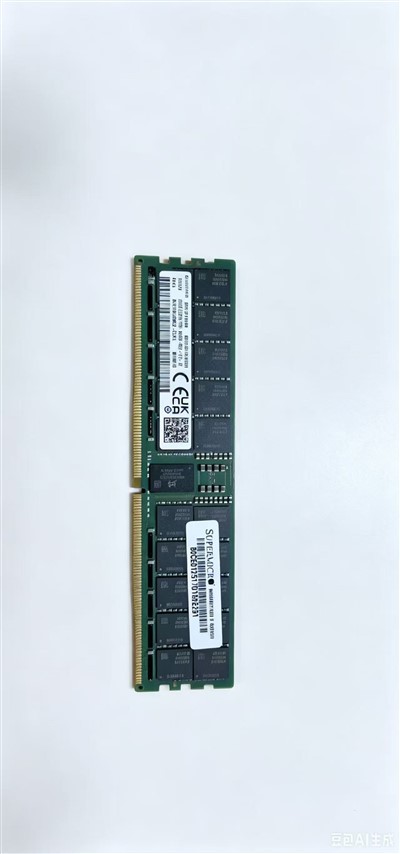
The Dell RAM Manufacturer!
Hebei Natcon Technology Co., Ltd. was established in 2010 and is a high-tech enterprise dedicated to providing high-quality computer hardware and software to customers around the world.
-
![32GB DDR5 5600MHz]() 32GB DDR5 5600MHz64GB DDR5 5600MHz RAM delivers ultra-fast, highly responsive performance for high-end desktops, workstations and mainstream servers. This top-tier high-speed memory module achieves an optimal...view more
32GB DDR5 5600MHz64GB DDR5 5600MHz RAM delivers ultra-fast, highly responsive performance for high-end desktops, workstations and mainstream servers. This top-tier high-speed memory module achieves an optimal...view more -
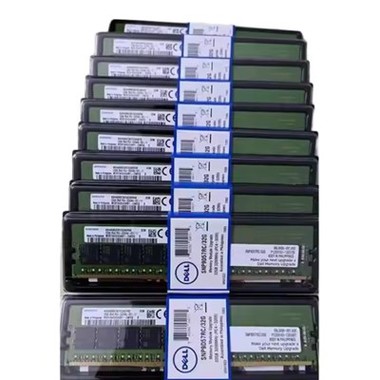
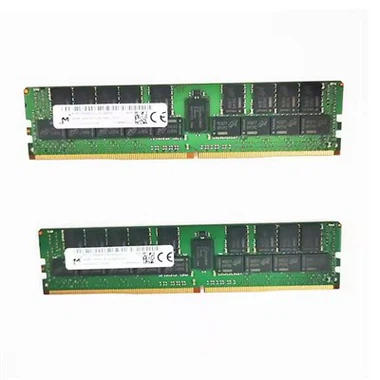
![Dell 32G 8G 16G 128G RAM]() Dell 32G 8G 16G 128G RAMDell Server Memory modules provide reliable, high-performance memory solutions for Dell PowerEdge servers. Available in 8GB, 16GB, 32GB, and 128GB capacities, these memory modules are engineered...view more
Dell 32G 8G 16G 128G RAMDell Server Memory modules provide reliable, high-performance memory solutions for Dell PowerEdge servers. Available in 8GB, 16GB, 32GB, and 128GB capacities, these memory modules are engineered...view more -
![Dell 32G RAM]() Dell 32G RAMDell 32GB RAM modules are premium-grade memory components designed specifically for Dell PowerEdge servers. These high-capacity DDR4 memory sticks deliver exceptional performance for...view more
Dell 32G RAMDell 32GB RAM modules are premium-grade memory components designed specifically for Dell PowerEdge servers. These high-capacity DDR4 memory sticks deliver exceptional performance for...view more -
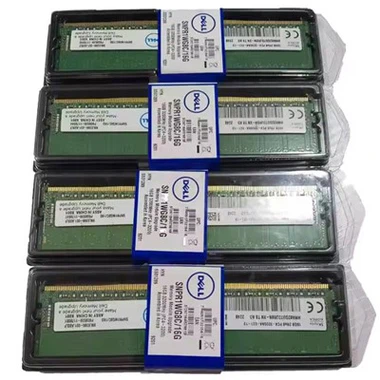
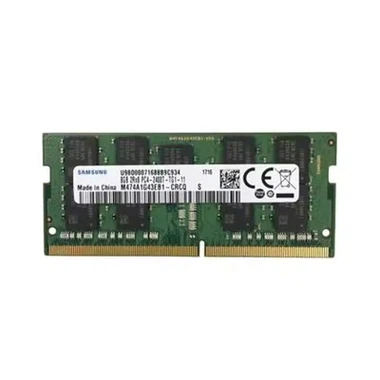
![Dell RAM 8GB]() Dell RAM 8GBDell 8GB RAM modules provide cost-effective memory solutions for Dell PowerEdge servers and workstations. These high-quality DDR4 memory sticks deliver stable performance for general business...view more
Dell RAM 8GBDell 8GB RAM modules provide cost-effective memory solutions for Dell PowerEdge servers and workstations. These high-quality DDR4 memory sticks deliver stable performance for general business...view more -
![128G RAM]()
-
![Dell 16G RAM]() Dell 16G RAMDell 16GB RAM modules provide the perfect balance of capacity and performance for modern server and workstation environments. These DDR4 memory modules are specifically engineered for Dell...view more
Dell 16G RAMDell 16GB RAM modules provide the perfect balance of capacity and performance for modern server and workstation environments. These DDR4 memory modules are specifically engineered for Dell...view more -
![64GB DDR5 5600MHz]() 64GB DDR5 5600MHz64GB DDR5 5600MHz RAM delivers ultra-fast, highly responsive performance for high-end desktops, workstations and mainstream servers. This top-tier high-speed memory module achieves an optimal...view more
64GB DDR5 5600MHz64GB DDR5 5600MHz RAM delivers ultra-fast, highly responsive performance for high-end desktops, workstations and mainstream servers. This top-tier high-speed memory module achieves an optimal...view more



Why choose us
Quality Assurance
Our factory strictly follows ISO 9001and ISO 14001 standards to ensure a reliable and environmentally friendly production process.
Provide Solutions
We offer a wide range of IT infrastructure products, including: Server and Storage Solutions (Rack-mount Servers, Blade Servers, NAS/SAN).
Rich Experience
Dedicated to strict quality control and attentive customer service, our experienced staff is always available to discuss your requirements and ensure complete customer satisfaction.
Professional Team
The members of the team are highly skilled and proficient in their respective roles and possess the necessary education, training, and experience to excel in their jobs.
|
Specification |
Details |
|
Memory Type |
DDR4 UDIMM/RDIMM |
|
Capacity |
8GB |
|
Speed |
2133MHz/2400MHz/2666MHz |
|
Data Width |
64-bit (non-ECC) or 72-bit (ECC) |
|
Voltage |
1.2V |
|
CAS Latency |
CL15-CL19 |
|
Compatible Systems |
PowerEdge T30/T40/T140/T340, Precision workstations. |
Advantages of RAM
Fast Data Access
RAM allows quick access to data, making it faster than other types of storage like hard disks. This speed helps improve the system's overall performance.
Supports Multitasking
More RAM lets the computer run multiple applications at the same time without slowing down. It helps in switching between apps smoothly.
Temporary Storage for Active Tasks
RAM stores only the data currently in use. This temporary nature helps the system stay organized and responsive while working.
Upgrade Your Dell's RAM
Back Up Your Data: Before you start, make sure you back up all your important data to prevent any data loss in case something goes wrong.
Turn Off Your Computer: Shut down your computer and unplug it from the power source.
Open Your Computer Case: Depending on your Dell model, you might need to remove a few screws to open the case.
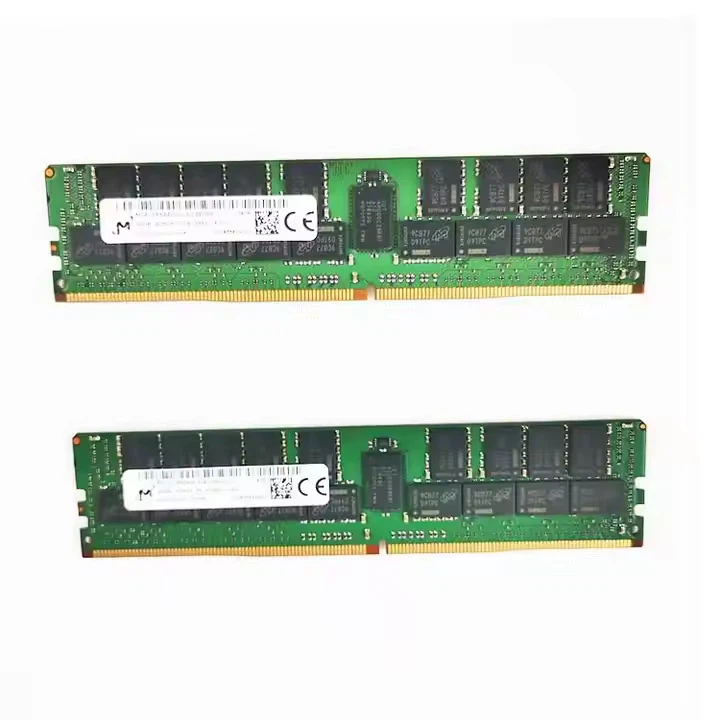
Locate the RAM Slots: The RAM slots are usually located near the CPU. They look like long, narrow slots with clips on either side.
Remove the Old RAM: Push the clips on either side of the RAM module outward to release it from the slot. Then, gently pull the module out.
Insert the New RAM: Align the new RAM module with the slot and gently press it down until the clips snap into place.
Close Your Computer Case: Put the case back on and secure it with the screws.
Turn On Your Computer: Plug your computer back in and turn it on. Your computer should automatically detect the new RAM.
If you're not comfortable doing it yourself, you can always take your computer to a professional technician.

Different types of RAM
DRAM (Dynamic Random Access Memory)
DRAM is the most popular type of computer memory. Each DRAM memory cell in an integrated circuit consists of a transistor and a capacitor, with the capacitor storing a data bit.
SRAM (Static Random Access Memory)
Is a kind of memory that consists of four to six transistors. Unlike DRAM, which has to be updated regularly, it keeps data in the memory as long as power is given to the device. As a result, SRAM is more expensive but faster, but DRAM is the more common memory in computers. SRAM does not have to be regularly refreshed.
Amount of RAM

4GB to 8GB
Users with four to eight gigabytes of RAM can open a fair number of browser tabs with enough memory available for using email, working with word document programs, and playing casual games.

8GB to 16GB
With between eight and 16 gigabytes of RAM, you can open multiple browser tabs at once and access websites that display a lot of graphics while running various web applications and playing videos.

16Gb to 32GB
Using between 16GB and 32GB of RAM can allow high-speed photo editing programs and high-resolution games to run effectively while still leaving a substantial amount of memory for other tasks, such as emailing and browsing the internet.

32GB to 64GB+
You can run programs with excellent graphics at a high speed while performing multiple tasks such as playing video games, watching movies, and creating documents without consuming too much power or using too much memory.
FAQ
As one of the leading dell ram manufacturers in China, we warmly welcome you to buy cheap dell ram in stock here and get quote from our factory. All custom made products are with high quality and low price.
128G RAM, Dell 16G RAM, Dell 32G RAM