Clear Positioning: Workstation ≠ Server ≠ Ordinary Computer
Many people confuse workstations with servers and ordinary computers, but in fact, a workstation is a high-performance computer specially designed for professional fields. Its core positioning is "single-user use, efficient processing of complex tasks", which is different from the "multi-user service" of servers and the "daily entertainment and office work" of ordinary computers. It is widely used in scenarios with extremely high hardware performance requirements such as graphic design, video editing, 3D modeling, engineering simulation, and data analysis, and is a "productivity tool" for professional practitioners.
Core Advantages: Strong Targeting, Extreme Performance, and Outstanding Stability
Compared with ordinary home computers, workstations adopt high-end configurations in hardware such as CPU, graphics card, memory, and storage, and have undergone professional optimization, enabling them to run various large-scale professional software smoothly - such as Photoshop and 3D Max for designers, PR and AE for video editors, and CAD and ANSYS for engineers. Even when processing large files and complex models, there will be no stuttering or crashing.
Classification Analysis: Adapting to Different Professional Scenarios
According to their shape and application scenarios, workstations are mainly divided into two categories, which accurately match the needs of different professionals:
(1) Tower Workstations
Similar in shape to ordinary home hosts, they are relatively large in size and have strong expandability, allowing flexible upgrades of hardware such as CPU, memory, graphics card, and storage. Suitable for placement in offices and studios, they balance performance and convenience, and are the first choice for most professional practitioners, such as Dell Precision series and Lenovo ThinkStation series tower workstations.
(2) Mobile Workstations
Consistent in shape with laptops, but with hardware configurations reaching the workstation level, they have the dual advantages of portability and high performance. Suitable for professionals who need to work outdoors, such as designers and engineers who go out to connect with projects and modify plans on site, their core feature is "thin and light without compromise, performance without shrinkage".
Purchase Guide: Focus on Scenarios, Reject Blind Pursuit of High-End
The core of purchasing a workstation is to fit your own professional scenario, focus on the corresponding hardware configuration, and there is no need to blindly pursue the top configuration:
(1) Graphic Design, Video Editing, 3D Modeling Fields
Prioritize professional graphics cards (such as NVIDIA Quadro and AMD Radeon Pro, which are different from ordinary game graphics cards and have higher compatibility and rendering efficiency for professional software) and high-resolution screens (accurate colors, which can restore real design effects).
(2) Engineering Simulation, Data Analysis, Programming and Development Fields
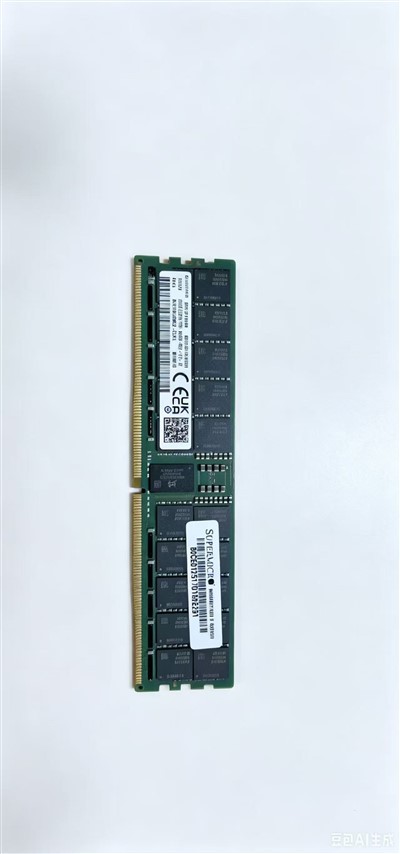
Prioritize CPU and memory. For CPU, it is recommended to choose models with multi-core and high frequency. The memory capacity is recommended to be more than 32GB to ensure smooth operation of complex simulation software and efficient processing of massive data.
(3) Mobile Demand Scenarios
Prioritize mobile workstations, focus on battery life and body weight, and at the same time take into account CPU and graphics card performance to avoid sacrificing productivity due to the pursuit of portability.
Notes: Not Suitable for Daily Entertainment, Lower Cost-Effectiveness Than Gaming Computers
It should be clarified that workstations are not suitable for daily entertainment (such as playing games). Although their hardware performance is strong, professional graphics cards are far less optimized for games than game graphics cards, and workstations are generally more expensive, so their cost-effectiveness for entertainment is much lower than that of ordinary gaming computers.