As a supplier of 16TB HDDs, I often encounter questions from customers regarding data security and encryption. One of the most frequently asked questions is, "Can I encrypt the data on a 16TB HDD?" In this blog post, I will delve into this topic, exploring the possibilities, methods, and considerations associated with encrypting data on a 16TB HDD.
Understanding HDD and Data Encryption
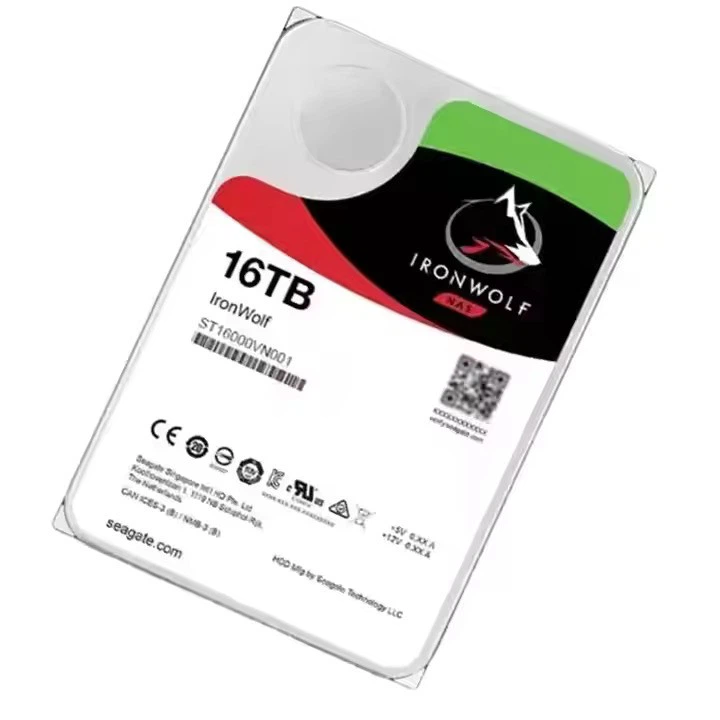
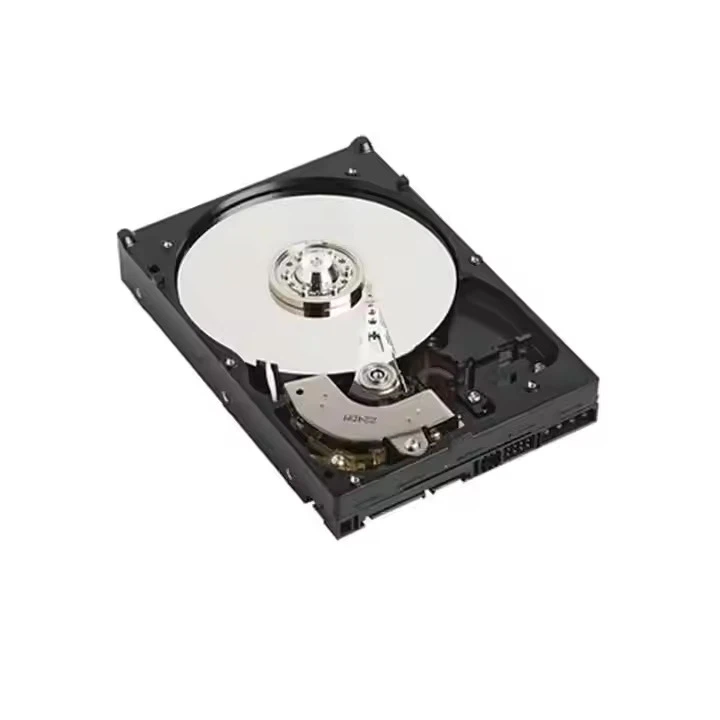
Before we address the question directly, it's essential to understand what a HDD is and how data encryption works. A Hard Disk Drive (HDD) is a traditional storage device that uses magnetic storage to store and retrieve digital information. It consists of one or more rotating disks, read/write heads, and a mechanical arm that moves the heads across the disks.
Data encryption, on the other hand, is the process of converting data into a code to prevent unauthorized access. Encryption uses algorithms to scramble the data so that it can only be read by someone with the correct decryption key. There are two main types of encryption: symmetric encryption, where the same key is used for both encryption and decryption, and asymmetric encryption, which uses a pair of keys - a public key for encryption and a private key for decryption.
Can You Encrypt Data on a 16TB HDD?
The short answer is yes, you can encrypt data on a 16TB HDD. In fact, encrypting your data on a large - capacity HDD like a 16TB HDD is a wise decision, especially if you are storing sensitive or valuable information. There are several ways to achieve this, each with its own advantages and disadvantages.
Operating System - Based Encryption
Most modern operating systems come with built - in encryption tools. For example, Windows has BitLocker, which is available in the Pro, Enterprise, and Education editions. BitLocker can encrypt the entire drive, including the operating system partition, to protect your data from unauthorized access. To use BitLocker on a 16TB HDD, you need to format the drive as NTFS, which is the default file system for Windows.
macOS has FileVault, a full - disk encryption feature that encrypts the entire startup disk. While it is primarily designed for internal drives, it can also be used to encrypt external HDDs. However, it's important to note that FileVault encryption may take a significant amount of time on a 16TB drive due to the large amount of data.
Third - Party Encryption Software
There are also many third - party encryption software options available in the market. Tools like VeraCrypt and AxCrypt offer more flexibility and advanced features compared to operating system - based encryption. VeraCrypt, for instance, is an open - source software that supports multiple encryption algorithms and can create encrypted containers or encrypt entire drives. It is cross - platform, meaning it can be used on Windows, macOS, and Linux.
AxCrypt, on the other hand, is a simple and user - friendly encryption tool that allows you to encrypt individual files and folders. It is ideal for users who only need to encrypt specific data rather than the entire drive.
Hardware - Based Encryption
Some HDDs, including some of our 16TB HDD models, come with built - in hardware - based encryption. Hardware - based encryption is performed at the drive level, which means the encryption and decryption processes are handled by the drive's controller. This has several advantages, such as faster encryption and decryption speeds and better security, as the encryption key is stored on the drive itself.
Considerations When Encrypting a 16TB HDD
While encrypting a 16TB HDD is possible, there are several factors you need to consider before proceeding.
Performance
Encryption and decryption processes can have an impact on the performance of your HDD. The more data you have on the drive, the longer it will take to encrypt or decrypt. Hardware - based encryption generally offers better performance compared to software - based encryption, as the encryption and decryption are handled by the drive's controller rather than the computer's CPU.
Storage Space
Encryption can also reduce the available storage space on your HDD. This is because encrypted data typically takes up more space than unencrypted data. However, the difference in storage space is usually negligible, especially on a large - capacity drive like a 16TB HDD.
Compatibility
When choosing an encryption method, you need to ensure that it is compatible with your operating system and other software. For example, if you are using a Linux - based system, not all Windows - specific encryption tools will work. Additionally, some encryption software may not be compatible with certain file systems.
Other Large - Capacity HDD Options
In addition to our 16TB HDD, we also offer other large - capacity HDDs, such as the HDD 22TB and the Dell HDD 10TB. These drives also support data encryption, and the same encryption methods and considerations apply.
The HDD 22TB provides even more storage space for users who need to store large amounts of data, such as video editors, data analysts, and businesses. The Dell HDD 10TB is a reliable option for those who prefer a well - known brand and a more moderate storage capacity.
Contact Us for Purchase and Consultation
If you are interested in purchasing a 16TB HDD or any other large - capacity HDDs, or if you have any questions about data encryption, we are here to help. Our team of experts can provide you with detailed information about our products and guide you through the encryption process. We understand the importance of data security and are committed to helping you find the best storage solution for your needs.
Whether you are an individual user looking to protect your personal data or a business in need of a reliable storage solution, we have the right product for you. Don't hesitate to reach out to us for more information and to start the purchase and consultation process.
References
- "Understanding Data Encryption Standards," National Institute of Standards and Technology.
- "BitLocker Drive Encryption: What You Need to Know," Microsoft.
- "FileVault: Protect Your Mac with Full - Disk Encryption," Apple.
- "VeraCrypt: Open - Source Disk Encryption Software," VeraCrypt Project.
- "AxCrypt: Simple and Secure File Encryption," AxCrypt.