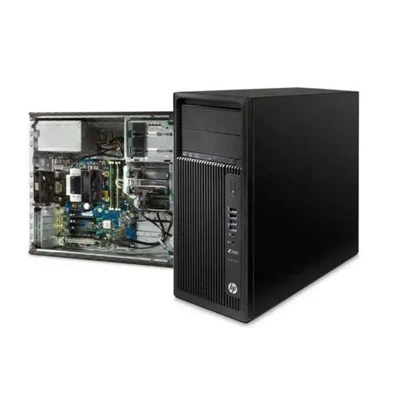
As a supplier of HPE workstations, I've had numerous customers inquire about the suitability of HPE workstations for video editing. Video editing is a demanding task that requires high - performance hardware to ensure smooth operation, efficient rendering, and the ability to handle large - scale projects. In this blog, I'll delve into the features of HPE workstations and explain why they are a great choice for video editing.
1. Processing Power
One of the most crucial aspects of video editing is the processing power. Video files are large and complex, and tasks such as real - time playback, color correction, and effects application put a significant strain on the CPU. HPE workstations are equipped with high - end processors that can handle these tasks with ease.
For instance, the Workstation HP Z8 G4 offers a wide range of Intel Xeon processors. These processors have multiple cores and high clock speeds, allowing for parallel processing of tasks. In video editing, this means that you can edit multiple video streams simultaneously, apply complex effects in real - time, and reduce rendering times. The multi - core architecture enables the workstation to distribute the workload across different cores, ensuring that the system remains responsive even during resource - intensive operations.
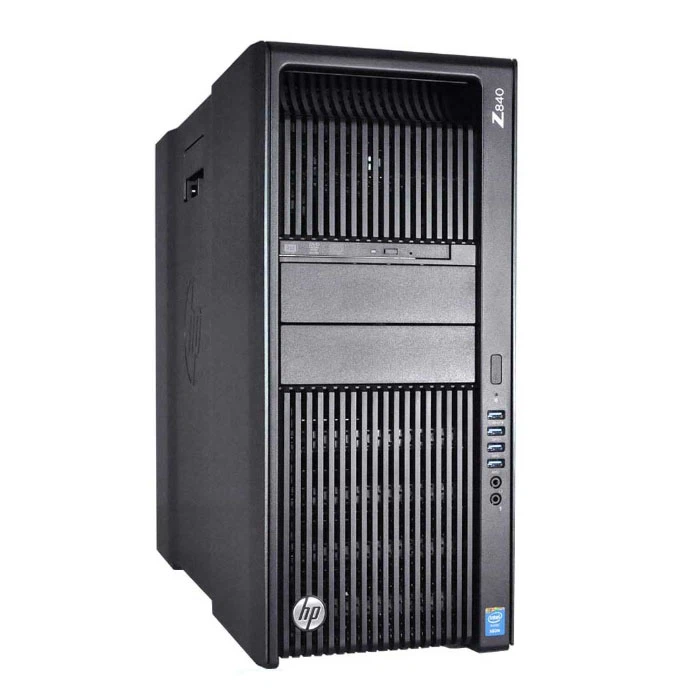
Another example is the Z 840. It was designed with performance in mind, featuring powerful Intel Xeon processors. This workstation can handle high - resolution video editing, including 4K and even 8K video. The high - end processors in the Z 840 can quickly decode and encode video files, which is essential for smooth editing and fast rendering.
2. Graphics Performance
Video editing often involves working with high - resolution images and videos, as well as applying visual effects. A powerful graphics card is essential for a smooth and immersive editing experience. HPE workstations are compatible with a variety of high - performance graphics cards.
The Workstation Z4 G4 can be configured with NVIDIA Quadro graphics cards. These cards are specifically designed for professional applications, including video editing. They offer high - end features such as CUDA cores, which are used for parallel processing of graphics - related tasks. With a powerful NVIDIA Quadro graphics card, you can preview your edits in real - time, even with complex effects and transitions. The high memory bandwidth of these graphics cards ensures that the system can quickly access and manipulate large amounts of graphical data, reducing lag and improving the overall editing experience.
In addition, HPE workstations support multiple monitors. This is a significant advantage for video editors, as it allows them to have a larger workspace. You can have your timeline on one monitor, the preview window on another, and additional tools and panels on a third monitor. This setup enhances productivity by providing a more organized and efficient editing environment.
3. Memory and Storage
Video files are extremely large, and video editing requires a significant amount of memory and fast storage. HPE workstations offer ample memory and high - speed storage options.
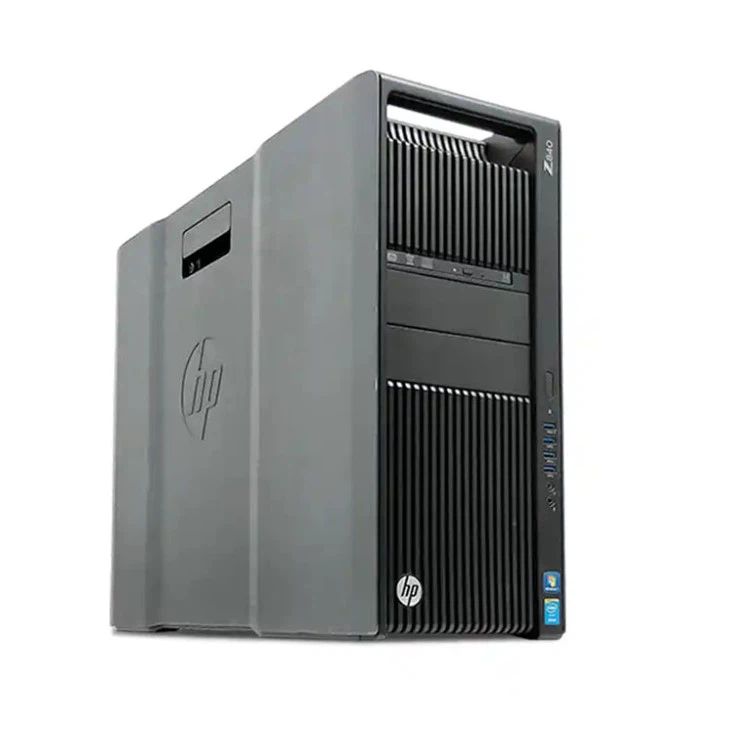
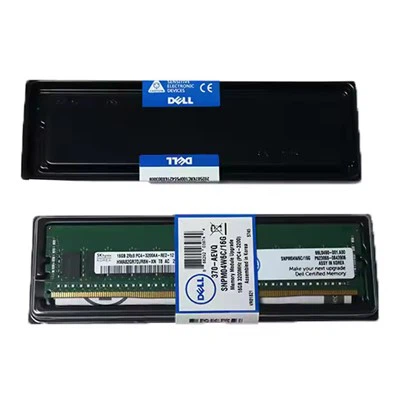
Most HPE workstations support a large amount of RAM. For example, the Workstation HP Z8 G4 can be configured with up to 3TB of DDR4 memory. This large amount of memory allows you to load multiple video files, audio tracks, and effects into the system without experiencing slowdowns. When working on complex projects, having enough memory ensures that the system can keep all the necessary data readily available, improving the overall performance of the editing software.
In terms of storage, HPE workstations support high - speed SSDs (Solid - State Drives). SSDs have much faster read and write speeds compared to traditional hard drives. This means that you can quickly load and save video files, reducing the time spent waiting for data transfer. Some HPE workstations also support RAID configurations, which can further enhance the storage performance and data redundancy. With a RAID setup, you can combine multiple SSDs to create a high - speed storage array, ensuring that your video editing workflow remains efficient.
4. Reliability and Durability
Video editing projects can be time - consuming and valuable. You need a workstation that is reliable and can handle long - hours of continuous use. HPE workstations are built with quality and reliability in mind.
HPE uses high - quality components in its workstations, which are rigorously tested to ensure their durability. These workstations are designed to operate in a variety of environments, from small home offices to large professional studios. They have advanced cooling systems to prevent overheating, which can cause system instability and reduce the lifespan of the components.
In addition, HPE offers excellent technical support. If you encounter any issues with your workstation, you can rely on HPE's support team to provide timely assistance. This peace of mind is essential for video editors, as any downtime can result in lost productivity and delays in project completion.
5. Software Compatibility
HPE workstations are compatible with a wide range of video editing software. Whether you're using Adobe Premiere Pro, DaVinci Resolve, or Final Cut Pro (on Mac - compatible HPE workstations), you can expect smooth performance.
These workstations are optimized to work with professional video editing software. The high - performance hardware ensures that the software can run at its full potential, taking advantage of features such as multi - core processing, GPU acceleration, and high - speed memory. HPE also works closely with software developers to ensure that its workstations are fully compatible with the latest versions of video editing software, providing users with access to the latest features and improvements.
Conclusion
In conclusion, HPE workstations are highly suitable for video editing. Their powerful processors, high - performance graphics cards, ample memory and storage, reliability, and software compatibility make them an excellent choice for both amateur and professional video editors. Whether you're working on small - scale projects or large - budget productions, an HPE workstation can provide the performance and stability you need.
If you're interested in purchasing an HPE workstation for your video editing needs, I encourage you to contact me for a detailed discussion. We can explore the different models and configurations to find the one that best suits your requirements. Let's work together to take your video editing to the next level.
References
- Intel Xeon Processor Product Specifications. Intel Corporation.
- NVIDIA Quadro Graphics Card Technical Documentation. NVIDIA Corporation.
- HPE Workstation Product Manuals. Hewlett Packard Enterprise.