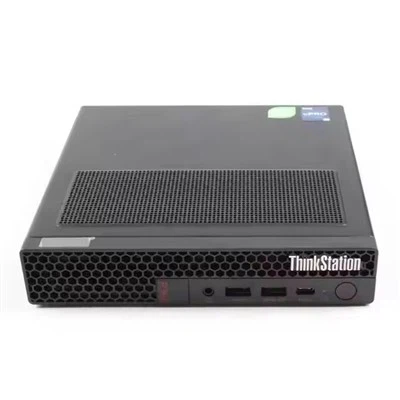
Hey there, tech enthusiasts! I'm here as a supplier of 128G RAM, and today we're gonna dig into what the optimal configuration for a computer with 128G RAM should be.
First off, let's talk about why you'd even want 128G of RAM in the first place. Well, if you're into heavy - duty tasks like 3D modeling, video editing, running multiple virtual machines, or high - end gaming, 128G of RAM can be a game - changer. It allows your computer to handle a massive amount of data simultaneously without slowing down.
CPU Selection
The central processing unit (CPU) is like the brain of your computer, and it needs to be able to keep up with the 128G of RAM. For a system with 128G RAM, you'll want a multi - core processor. Intel Core i9 or AMD Ryzen Threadripper series are great choices. These CPUs have a high number of cores and threads, which means they can process multiple tasks at once. For example, the Intel Core i9 - 13900KS has 24 cores (8 performance cores and 16 efficiency cores) and 32 threads. This kind of processing power pairs well with 128G of RAM, as it can quickly access and manipulate the data stored in the RAM.
Motherboard Compatibility
The motherboard is the foundation that connects all the components of your computer. When choosing a motherboard for a 128G RAM setup, you need to consider a few things. First, it should support the type of RAM you're using. Most modern 128G RAM kits are DDR5. So, you'll need a motherboard with DDR5 slots. Also, the motherboard should have enough memory slots to accommodate your 128G of RAM. Some motherboards come with 4 or 8 DIMM slots. Make sure the motherboard's chipset is also up - to - date, as it can affect the overall performance of your system.
Storage Options
With 128G of RAM, you're probably dealing with large files, so having fast and ample storage is crucial. A solid - state drive (SSD) is a must. NVMe SSDs are the fastest option available right now. They use the PCIe interface to transfer data at incredibly high speeds. You can go for a large - capacity NVMe SSD, like a 4TB or even 8TB drive. This way, you can store all your large projects, games, and media files without worrying about running out of space. And since SSDs have no moving parts, they're more reliable and faster to access compared to traditional hard - disk drives (HDDs).
Graphics Card
If you're using your 128G RAM computer for gaming or graphic - intensive work, a high - end graphics card is essential. NVIDIA GeForce RTX 40 series or AMD Radeon RX 7000 series are top - notch choices. These graphics cards have a large amount of video memory (VRAM), which works in tandem with the system's RAM. For example, the NVIDIA GeForce RTX 4090 has 24GB of GDDR6X VRAM. This allows it to handle high - resolution textures and complex 3D models without any lag.
Power Supply
All these high - performance components need a reliable power supply. A power supply unit (PSU) with a high wattage is necessary. For a system with 128G RAM, a 750 - watt or 1000 - watt PSU is recommended. Make sure the PSU is from a reputable brand and has good efficiency ratings. This will ensure that all your components get a stable and clean power supply, which is crucial for their long - term performance and reliability.
Cooling System
With so much power - hungry hardware, your computer is going to generate a lot of heat. A proper cooling system is vital to keep all the components at a safe temperature. You can choose between air cooling and liquid cooling. Air coolers are more affordable and easier to install, while liquid coolers are more efficient at dissipating heat. For a 128G RAM system, especially if you're overclocking your CPU or GPU, a high - end liquid cooling system might be the way to go.
Now, let's talk a bit about different use cases and how the optimal configuration might change.
Gaming
If you're a gamer, you'll want to focus on getting the best graphics card and a fast CPU. The 128G of RAM will allow you to run games and multiple background applications without any slowdown. You can also use the extra RAM for features like in - game mods or streaming your gameplay. For gaming, a 144Hz or higher refresh rate monitor is a great addition, as it provides a smoother gaming experience.
Video Editing and 3D Modeling
For video editors and 3D modelers, the CPU and storage are the most critical components. The 128G of RAM will let you work on large projects with high - resolution footage or detailed 3D models. You can also use multiple software applications simultaneously, like Adobe Premiere Pro, After Effects, and Blender. A color - accurate monitor is also a must for these professionals.
Server and Virtualization
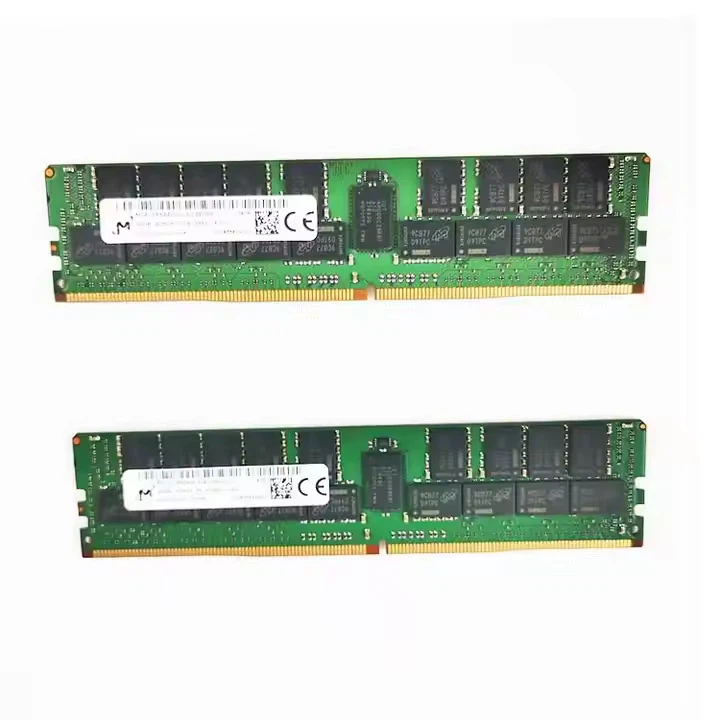
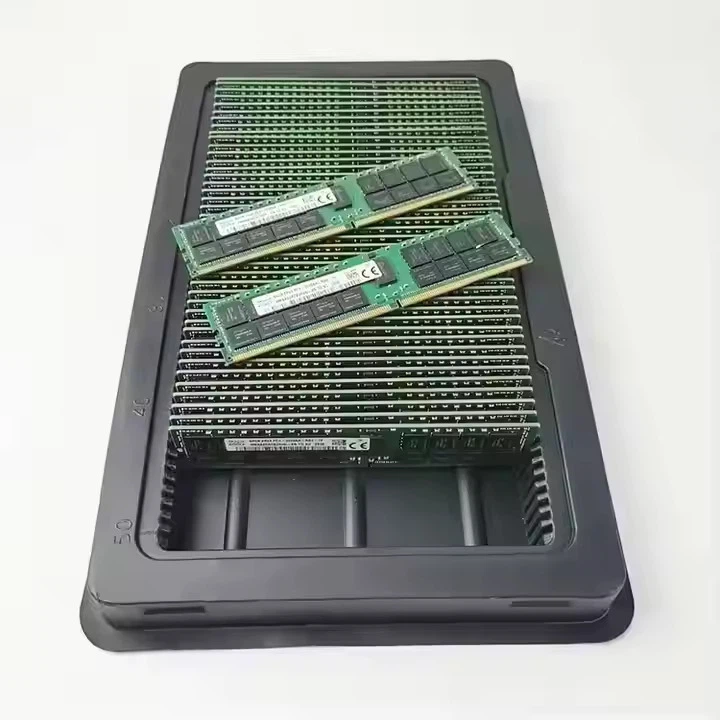
If you're using your computer as a server or for virtualization, the 128G of RAM will allow you to run multiple virtual machines at once. You'll want a CPU with a high number of cores and threads, like the AMD EPYC series. The motherboard should support features like ECC (Error - Correcting Code) RAM, which is more reliable for server - grade applications.
As a supplier of 128G RAM, I can tell you that getting the right configuration for your 128G RAM computer is crucial. We also offer other RAM options like Dell RAM 8GB and Dell 16G RAM if you're looking to upgrade your existing system gradually.
If you're interested in purchasing 128G RAM or have any questions about the optimal configuration for your computer, don't hesitate to reach out. We're here to help you build the perfect system that meets your specific needs. Whether you're a gamer, a professional, or a server administrator, we can provide you with the best RAM solutions.
References
- Intel Product Specifications. (n.d.). Retrieved from intel.com
- AMD Product Documentation. (n.d.). Retrieved from amd.com
- NVIDIA Graphics Card Guides. (n.d.). Retrieved from nvidia.com
- Motherboard Manufacturer Websites (e.g., ASUS, MSI, Gigabyte)
- SSD and HDD Manufacturer Data Sheets (e.g., Samsung, Western Digital)