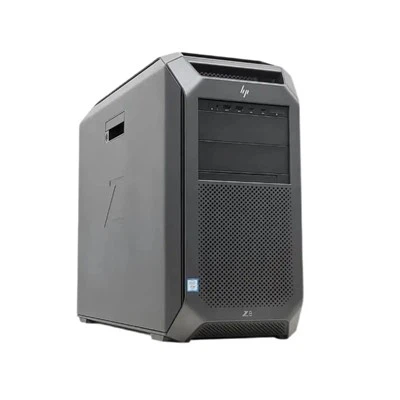
In the ever - expanding digital landscape, data storage needs are skyrocketing. As a supplier of the HDD 22TB, I often get asked whether this high - capacity drive can be used in a multi - drive setup. In this blog, I'll delve into the technical aspects, benefits, and potential challenges of using an HDD 22TB in such configurations.
Technical Compatibility
First and foremost, let's talk about the technical requirements for using an HDD 22TB in a multi - drive setup. Most modern motherboards and storage enclosures support large - capacity drives. However, it's crucial to ensure that the system's BIOS or firmware is up - to - date. Older systems may have limitations on the maximum drive size they can recognize. For example, some legacy BIOS versions might not support drives larger than 2TB due to the use of the older Master Boot Record (MBR) partitioning scheme. In contrast, the GUID Partition Table (GPT) is the recommended partitioning scheme for drives larger than 2TB, including our HDD 22TB.
When it comes to interfaces, the HDD 22TB typically uses the Serial ATA (SATA) or Serial Attached SCSI (SAS) interface. These interfaces are widely supported in multi - drive setups, whether it's a simple RAID (Redundant Array of Independent Disks) configuration on a desktop computer or a large - scale storage array in a data center.
Benefits of Using HDD 22TB in a Multi - Drive Setup
1. Massive Storage Capacity
The most obvious advantage of using an HDD 22TB in a multi - drive setup is the sheer amount of storage space it provides. For businesses dealing with large amounts of data, such as media companies, research institutions, and cloud service providers, having a high - capacity multi - drive system can be a game - changer. For instance, a media company can store thousands of high - definition video files on a multi - drive setup with HDD 22TB drives, eliminating the need for frequent data migrations or the purchase of additional storage systems.
2. Cost - Effectiveness
Compared to other high - capacity storage solutions like solid - state drives (SSDs), HDDs are generally more cost - effective per gigabyte. When building a large - scale storage system, using HDD 22TB drives can significantly reduce the overall cost. For example, if a company needs to build a 100TB storage system, using HDD 22TB drives will be much more budget - friendly than using SSDs.
3. Redundancy and Data Protection
Multi - drive setups often use RAID configurations to provide data redundancy and protection. With an HDD 22TB, you can create RAID arrays such as RAID 5, RAID 6, or RAID 10. RAID 5, for example, can tolerate the failure of one drive in the array, while RAID 6 can tolerate the failure of two drives. This means that even if one or more drives fail, your data remains safe and accessible.
Potential Challenges
1. Power Consumption
HDDs consume more power compared to SSDs, especially when multiple drives are used in a multi - drive setup. This can lead to higher electricity bills and may require a more robust power supply system. For data centers, this can be a significant concern as they need to manage their power consumption to reduce operational costs and environmental impact.
2. Heat Generation
Multiple HDDs in a confined space can generate a significant amount of heat. Adequate cooling is essential to prevent overheating, which can lead to drive failures. This may require the installation of additional cooling fans or a more sophisticated cooling system, adding to the overall cost and complexity of the multi - drive setup.
3. Data Transfer Speed
While HDDs have come a long way in terms of data transfer speed, they are still slower than SSDs. In a multi - drive setup where high - speed data access is required, the relatively slow read and write speeds of HDDs can be a bottleneck. For applications that demand real - time data processing, such as high - frequency trading or video editing, the slower speed of HDDs may not be suitable.
Comparison with Other Drives in Multi - Drive Setups
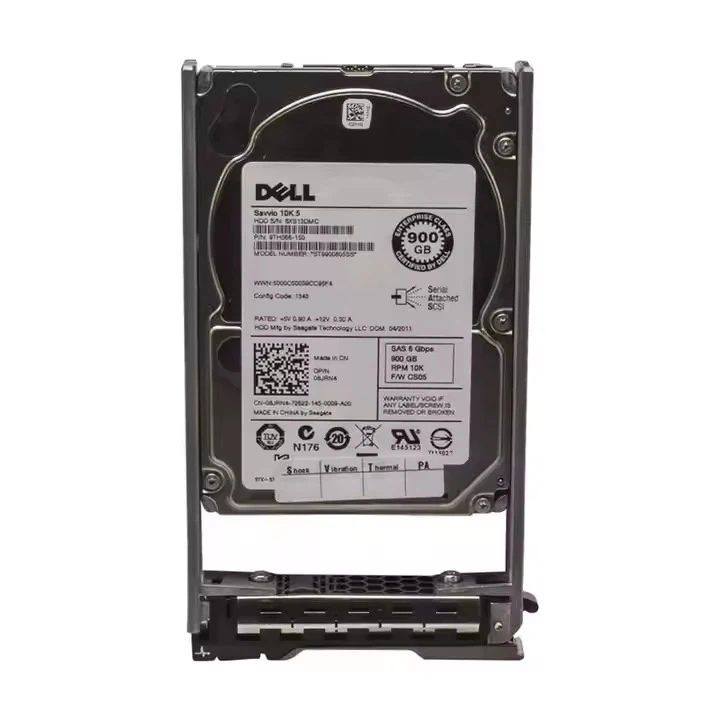
Let's compare the HDD 22TB with other commonly used drives in multi - drive setups, such as the Dell HDD 10TB and 16TB HDD.
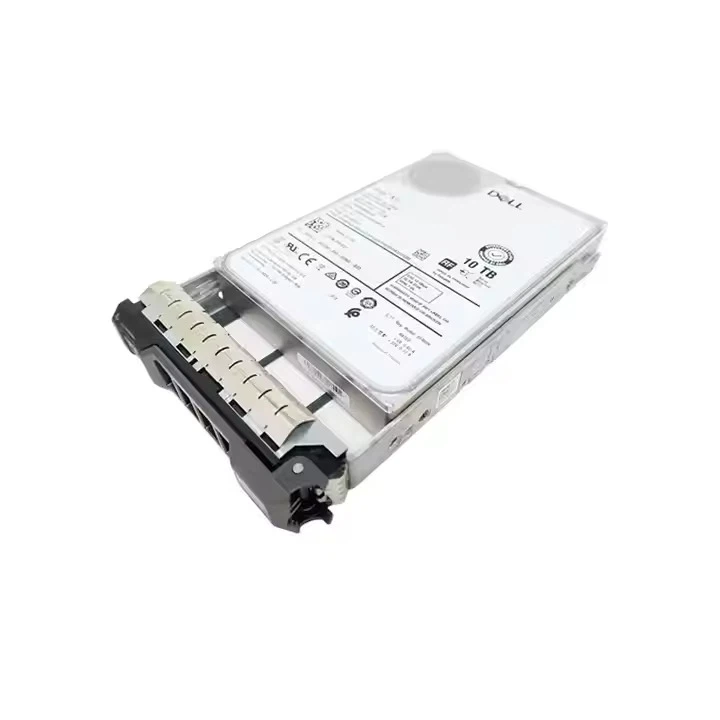
The Dell HDD 10TB is a popular choice for many users due to its reliability and relatively lower cost. However, in terms of storage capacity, the HDD 22TB offers more than double the space. This means that you can achieve the same or greater storage capacity with fewer drives, reducing the complexity of the multi - drive setup.
The 16TB HDD is also a viable option, but again, the HDD 22TB provides even more storage per drive. This can be particularly beneficial for users who are running out of space in their existing multi - drive setups and want to expand without adding too many additional drives.
Best Practices for Using HDD 22TB in a Multi - Drive Setup
1. Choose the Right RAID Configuration
As mentioned earlier, different RAID configurations offer different levels of data redundancy and performance. For example, if data protection is your top priority, RAID 6 may be the best choice. If you need a balance between performance and redundancy, RAID 10 could be a better option.
2. Monitor and Maintain the System
Regularly monitor the health of your HDD 22TB drives in the multi - drive setup. Most modern drives come with built - in self - monitoring, analysis, and reporting technology (SMART). Use software tools to check the SMART status of your drives and replace any drives that show signs of failure.
3. Optimize the Storage Environment
Ensure that the storage environment is clean, cool, and well - ventilated. Keep the drives away from sources of electromagnetic interference and vibrations, as these can affect the performance and lifespan of the drives.
Conclusion
In conclusion, the HDD 22TB can definitely be used in a multi - drive setup. It offers massive storage capacity, cost - effectiveness, and the ability to provide data redundancy. However, it also comes with some challenges such as power consumption, heat generation, and relatively slower data transfer speeds. By understanding these factors and following best practices, you can build a reliable and efficient multi - drive setup using HDD 22TB drives.
If you're interested in purchasing HDD 22TB drives for your multi - drive setup or have any questions about our products, please feel free to contact us for further discussion and procurement negotiation.
References
- "Storage Area Networks: Design, Implementation, and Management" by John Webster
- "RAID: Everything You Need to Know" by Tom's Hardware