


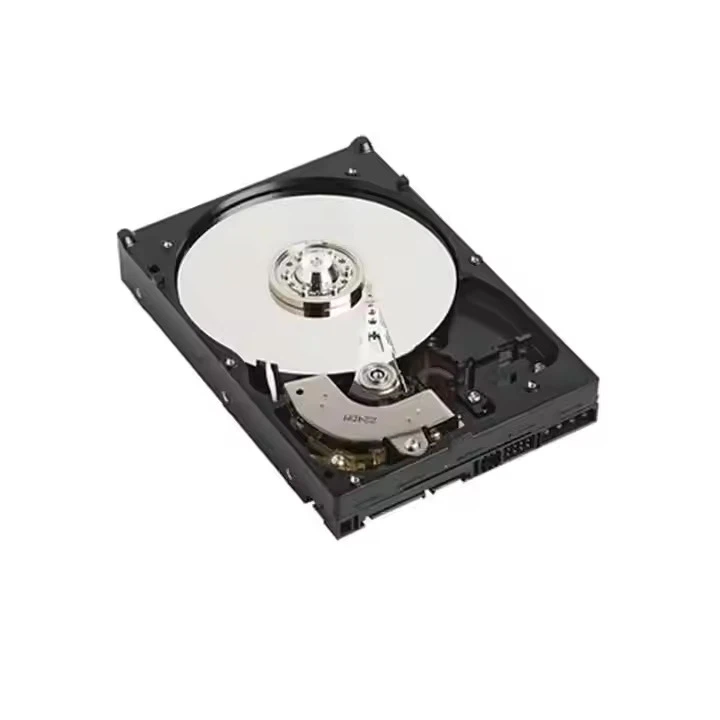
As a supplier of 16TB HDDs, I often encounter customers with various questions about our products. One of the most frequently asked questions is, "Can I partition a 16TB HDD?" In this blog post, I will delve into this topic, exploring the technical aspects, benefits, and potential challenges of partitioning a 16TB HDD.
Understanding HDD Partitioning
Before we address the question of partitioning a 16TB HDD, let's first understand what HDD partitioning is. Partitioning is the process of dividing a physical hard drive into multiple logical sections, each of which can be treated as a separate storage unit. These partitions can have different file systems, such as NTFS, FAT32, or ext4, and can be used for various purposes, such as storing different types of data or operating systems.
Partitioning offers several benefits. It allows for better organization of data, making it easier to manage and locate files. It also provides a level of isolation, so that if one partition fails or becomes corrupted, the data on other partitions remains unaffected. Additionally, partitioning can be useful for dual-booting different operating systems on the same hard drive.
Technical Feasibility of Partitioning a 16TB HDD
The short answer is yes, you can partition a 16TB HDD. From a technical perspective, modern operating systems and disk management tools support partitioning large hard drives. However, there are a few factors to consider.
File System Limitations
The choice of file system is crucial when partitioning a 16TB HDD. Some older file systems, such as FAT32, have limitations on the maximum partition size. For example, FAT32 supports a maximum partition size of 32GB, which is clearly insufficient for a 16TB HDD. Therefore, it is recommended to use a modern file system like NTFS (for Windows) or ext4 (for Linux). NTFS supports partitions up to 256TB, while ext4 can handle partitions up to 1 exabyte (EB), making them suitable for partitioning a 16TB HDD.
Partition Table
Another important consideration is the partition table. There are two main types of partition tables: Master Boot Record (MBR) and GUID Partition Table (GPT). MBR has limitations on the number of partitions (up to four primary partitions) and the maximum disk size (2TB). Therefore, for a 16TB HDD, GPT is the recommended partition table. GPT supports up to 128 partitions and can handle disks larger than 2TB, making it ideal for partitioning large hard drives.
Steps to Partition a 16TB HDD
Here are the general steps to partition a 16TB HDD:
1. Backup Your Data
Before partitioning your HDD, it is essential to backup all your important data. Partitioning involves modifying the disk structure, which can potentially lead to data loss if something goes wrong.
2. Choose the Right Operating System and Disk Management Tool
As mentioned earlier, modern operating systems like Windows 10 and Linux distributions support partitioning large hard drives. You can use the built-in disk management tools in these operating systems to partition your 16TB HDD. For example, in Windows, you can use the Disk Management utility, while in Linux, you can use tools like GParted.
3. Create a Partition Table
If your 16TB HDD does not already have a GPT partition table, you will need to create one. This can usually be done during the partitioning process using the disk management tool.
4. Create Partitions
Once you have created the partition table, you can start creating partitions on your 16TB HDD. You can specify the size and file system for each partition according to your needs.

Benefits of Partitioning a 16TB HDD
Partitioning a 16TB HDD offers several benefits:
1. Data Organization
Partitioning allows you to organize your data more effectively. You can create separate partitions for different types of data, such as documents, photos, videos, and games. This makes it easier to find and manage your files.
2. Data Protection
By partitioning your HDD, you can isolate different types of data. If one partition becomes corrupted or infected with malware, the data on other partitions remains protected.
3. Dual-Booting
Partitioning a 16TB HDD also enables you to dual-boot different operating systems. You can create a separate partition for each operating system, allowing you to switch between them as needed.
Potential Challenges
While partitioning a 16TB HDD is technically feasible, there are a few potential challenges to be aware of:
1. Performance
Partitioning a hard drive can potentially affect its performance. Each partition has its own file system and metadata, which can increase the overhead and reduce the overall performance of the hard drive. However, this effect is usually minimal and may not be noticeable in most cases.
2. Data Recovery
If you encounter data loss or corruption on a partitioned HDD, data recovery can be more complex. You may need to use specialized data recovery tools to recover data from specific partitions.
Conclusion
In conclusion, partitioning a 16TB HDD is not only possible but also offers several benefits in terms of data organization, protection, and dual-booting. However, it is important to choose the right file system and partition table, and to backup your data before partitioning. If you have any further questions or need assistance with partitioning your 16TB HDD, please feel free to [contact us for procurement and further discussions].
We also offer a range of other high-capacity HDDs, such as the Dell HDD 10TB and HDD 22TB. If you are interested in these products, please visit our website 16TB HDD for more information.
References
- Microsoft. (n.d.). NTFS Technical Reference. Retrieved from https://docs.microsoft.com/en-us/windows-server/storage/file-server/ntfs-overview
- Linux Documentation Project. (n.d.). ext4 Filesystem. Retrieved from https://tldp.org/HOWTO/Partition/fs-ext4.html
- Wikipedia. (n.d.). GUID Partition Table. Retrieved from https://en.wikipedia.org/wiki/GUID_Partition_Table




