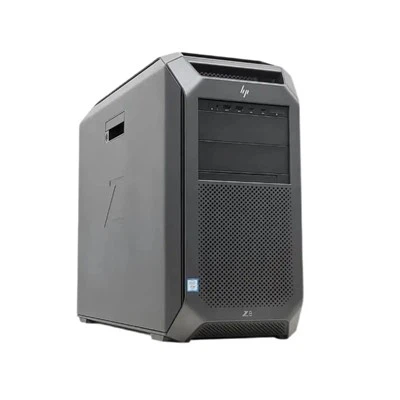
Hey there! As an HDD supplier, I've been in the thick of the storage game for quite a while. One question that pops up a lot is about the different types of HDD interfaces. So, let's dive right in and break it down.
IDE (Integrated Drive Electronics)
Back in the day, IDE was the go - to interface for HDDs. It was simple and widely used in personal computers. IDE interfaces are also known as ATA (Advanced Technology Attachment). There were two main types: PATA (Parallel ATA) and SATA (Serial ATA).
PATA was the original form of ATA. It used a wide, flat ribbon cable with 40 or 80 pins. The data transfer rate of PATA was limited. In its early days, it was pretty fast for its time, but as technology advanced, it couldn't keep up. The maximum data transfer rate of PATA was around 133 MB/s. It was common to see two PATA devices connected to a single IDE controller, usually set up as a master and a slave.
However, PATA had its drawbacks. The wide ribbon cable was bulky and could cause airflow problems inside a computer case. Also, the parallel data transfer method was prone to signal interference, which limited its speed and reliability. That's where SATA came in.
SATA (Serial ATA)
SATA is the successor to PATA and has become the standard interface for most consumer and many enterprise HDDs. Instead of the wide ribbon cable, SATA uses a thin, round cable with a much smaller connector. This makes it easier to manage cables inside a computer case and improves airflow.
SATA has gone through several generations, each with increased data transfer speeds. The first generation, SATA 1.0, had a data transfer rate of 1.5 Gb/s. SATA 2.0 upped the ante to 3 Gb/s, and SATA 3.0 can reach speeds of 6 Gb/s. These speeds are much faster than what PATA could offer, making data transfer, especially for large files, a lot quicker.
One of the great things about SATA is its compatibility. Most modern motherboards come with multiple SATA ports, so it's easy to install a new SATA HDD. It's also backward - compatible, which means you can use an older SATA device on a newer motherboard, although you'll be limited to the speed of the older device.
If you're looking for a reliable and fast HDD, we offer a range of 16TB HDD with SATA interfaces. These drives are great for storing large amounts of data, whether it's for personal use or in a small - to - medium - sized business.
SAS (Serial Attached SCSI)
SAS is an interface that's more commonly used in enterprise environments. It's based on the SCSI (Small Computer System Interface) technology but uses a serial data transfer method, similar to SATA.
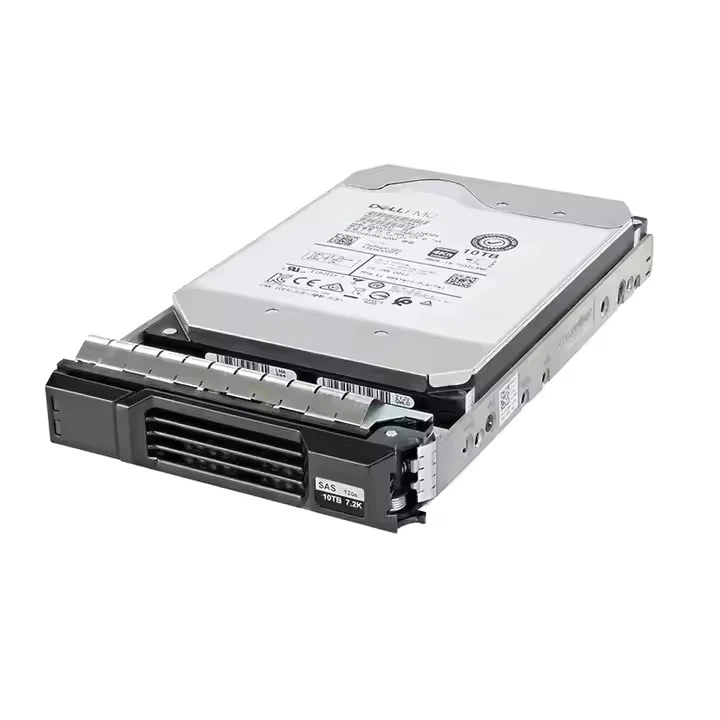
SAS offers several advantages over SATA. First of all, it has higher data transfer speeds. SAS drives can support speeds of up to 12 Gb/s or even 24 Gb/s in the latest versions. This makes it ideal for applications that require high - performance data access, such as databases and servers.
Another advantage of SAS is its reliability. SAS drives are designed to operate 24/7 in a data - center environment. They often come with features like dual - porting, which means they can be connected to two different controllers for redundancy. If one connection fails, the drive can still be accessed through the other port.
We also have Dell HDD 8TB with SAS interfaces. These drives are perfect for businesses that need a high - capacity, high - performance storage solution.
Fibre Channel
Fibre Channel is a high - speed interface that's mainly used in enterprise and data - center environments. It's designed for connecting storage devices, such as HDDs and tape drives, to servers.
Fibre Channel offers extremely high data transfer speeds. It can support speeds of up to 128 Gb/s in the latest versions. This makes it suitable for applications that require very fast data access, such as large - scale databases and high - performance computing.
One of the key features of Fibre Channel is its ability to support long - distance connections. Unlike SATA and SAS, which are typically used for shorter - range connections within a computer or a rack, Fibre Channel can be used to connect storage devices over longer distances, even between different buildings.
However, Fibre Channel is also more expensive than other interfaces. It requires specialized hardware, such as Fibre Channel switches and host - bus adapters (HBAs). This makes it less suitable for consumer or small - business use.
USB (Universal Serial Bus)
USB is a very common interface that's used for a wide range of devices, including external HDDs. It's easy to use and widely supported by computers and other devices.
There are several versions of USB, with different data transfer speeds. USB 2.0 has a maximum data transfer rate of 480 Mb/s, which is relatively slow compared to some of the other interfaces we've discussed. USB 3.0, also known as SuperSpeed USB, can reach speeds of 5 Gb/s, and USB 3.1 Gen 2 can go up to 10 Gb/s.
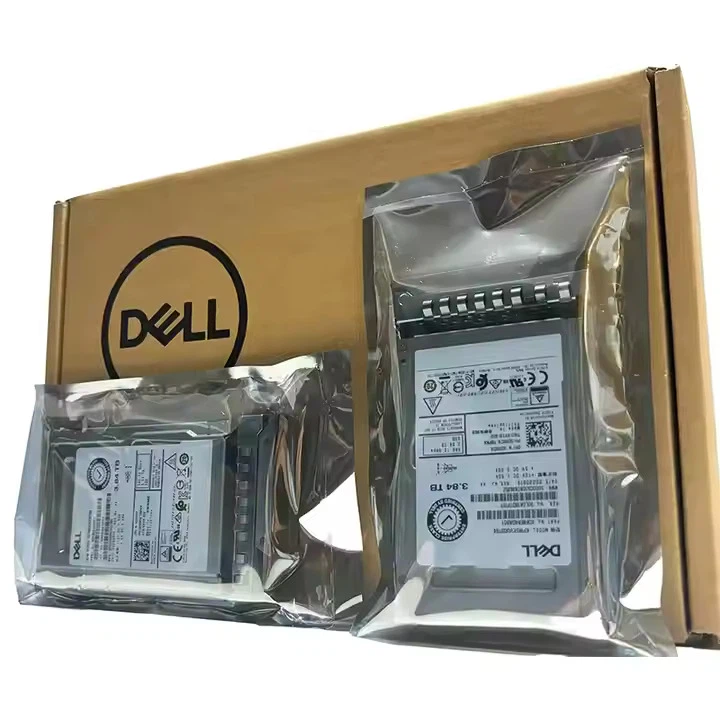
The advantage of USB is its portability. External HDDs with USB interfaces can be easily connected to different computers, making them great for backing up data or transferring files between devices. We have Dell HDD 10TB available as external drives with USB interfaces, which are perfect for users who need a large - capacity, portable storage solution.
eSATA (External Serial ATA)
eSATA is an external version of the SATA interface. It offers the same high - speed data transfer capabilities as internal SATA but is designed for external use.
eSATA can reach speeds of up to 6 Gb/s, which is much faster than USB 2.0 and comparable to USB 3.0. It's a great option for users who need to transfer large amounts of data quickly between an external HDD and a computer.
However, eSATA is not as widely supported as USB. Not all computers have eSATA ports, so you may need to use an adapter if your computer doesn't support it natively.
So, there you have it - the different types of HDD interfaces. Each interface has its own advantages and is suitable for different applications. Whether you're a home user looking for a simple and portable storage solution or a business in need of high - performance enterprise - grade storage, we've got you covered.
If you're interested in purchasing HDDs for your needs, whether it's for personal or business use, feel free to reach out to us for a purchase negotiation. We can help you find the right HDD with the appropriate interface to meet your specific requirements.
References
- "Storage Basics: ATA, SATA, SAS, and Fibre Channel" by Tom's Hardware
- "USB Implementers Forum" official documentation
- "Serial ATA International Organization" technical resources