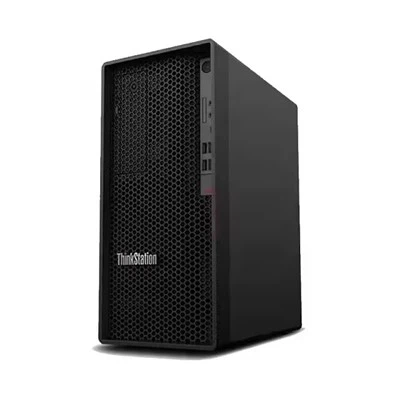
Hey there! I'm a supplier of Huawei servers, and I often get asked about the installation steps for these bad - boys. So, I thought I'd put together a detailed blog post to walk you through the process.
Pre - installation Checks
Before you even start the installation, there are a few things you need to do. First off, make sure you've got the right environment. Huawei servers need a well - ventilated area with a stable power supply. You don't want your server overheating or shutting down because of a power glitch.
Check the physical space where you're going to install the server. It should be clean and free of dust. Dust can cause all sorts of problems, like clogging up the fans and reducing the server's performance.

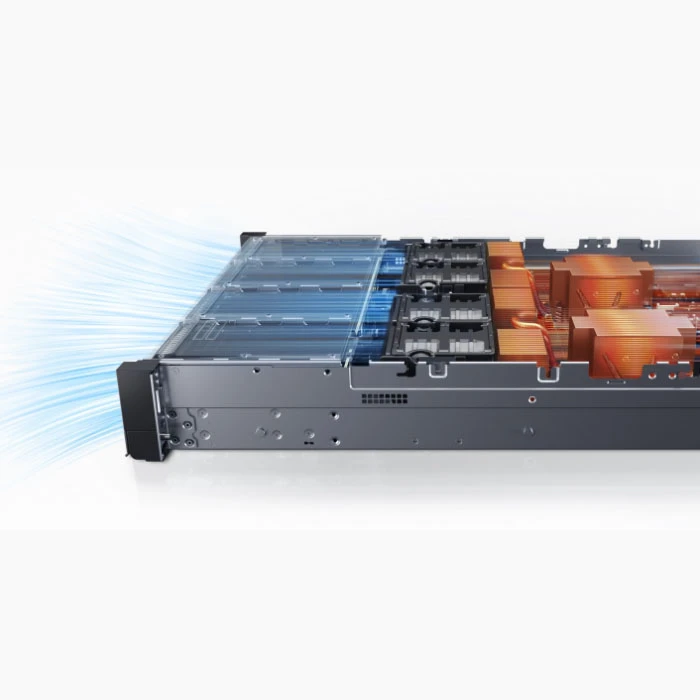
Also, gather all the necessary tools. You'll probably need a screwdriver, anti - static wrist strap, and maybe some cable ties. The anti - static wrist strap is super important. It helps prevent static electricity from damaging the sensitive components inside the server.
Unpacking the Server
Once you've done all the pre - checks, it's time to unpack the server. Be careful when you're opening the box. Huawei servers are pretty sturdy, but you don't want to accidentally damage anything.
Take out all the components and check them for any visible damage. You should have the server chassis, power cables, network cables, and maybe some documentation. If you notice any damage, contact the supplier right away.
Mounting the Server
Now, let's talk about mounting the server. If you're using a rack - mounted server like the Huawei Server 2288h V5, you'll need to install it in a rack. Make sure the rack is properly grounded and can support the weight of the server.
Use the mounting brackets that came with the server to attach it to the rack. Line up the holes on the server chassis with the holes on the rack, and then use the screws to secure it in place. Tighten the screws evenly to avoid any wobbling.
Connecting the Power
After mounting the server, it's time to connect the power. First, make sure the power switch on the server is in the off position. Then, plug the power cable into the server and into a reliable power source. You might want to use a surge protector to protect the server from power surges.
If you're using multiple servers, you can connect them to a power distribution unit (PDU) for better power management.
Connecting the Network
Next, you need to connect the server to the network. Huawei servers usually have multiple network ports. You can use Ethernet cables to connect the server to your local network or to a switch.
Make sure you've configured the network settings correctly. You might need to set up an IP address, subnet mask, and gateway. You can do this through the server's management interface.
Installing the Operating System
Once the server is physically installed and connected to the network, it's time to install the operating system. Huawei servers support a variety of operating systems, like Windows Server, Linux, etc.
You can use a bootable USB drive or a DVD to install the operating system. Follow the on - screen instructions to complete the installation process. During the installation, you'll need to configure some settings, like the language, time zone, and user accounts.
Configuring the Server
After the operating system is installed, you need to configure the server. This includes setting up the server's security settings, like firewalls and user permissions. You also need to install any necessary drivers and software.
Huawei provides a management tool called iBMC (Intelligent Baseboard Management Controller) for its servers. You can use this tool to monitor and manage the server's hardware, such as checking the temperature, fan speed, and power consumption.
Testing the Server
Once you've configured the server, it's time to test it. Start the server and check if all the components are working properly. You can run some basic tests, like pinging the server from another device on the network.
Check the server's performance using monitoring tools. Make sure the CPU, memory, and disk usage are within normal limits. If you notice any issues, troubleshoot them right away.
Different Models Installation Variations
There are different models of Huawei servers, and the installation steps might vary slightly. For example, the 5885h V5 and Huawei 2488h V7 have their own unique features and requirements.
The 5885h V5 is a high - performance server, and it might require more advanced configuration and management. You need to pay special attention to its power requirements and cooling system.
The Huawei 2488h V7 is also a great server, but it might have different hardware components and installation procedures. Make sure you read the specific installation guide for each model.
Conclusion
Installing a Huawei server might seem a bit daunting at first, but if you follow these steps, you'll be up and running in no time. Remember to do all the pre - installation checks, mount the server properly, connect the power and network, install the operating system, configure the server, and test it thoroughly.
If you're thinking about purchasing a Huawei server, or if you have any questions about the installation process, don't hesitate to reach out. We're here to help you make the most of your Huawei server investment. Whether you're a small business or a large enterprise, Huawei servers can provide the performance and reliability you need. So, let's start a conversation about your server needs and find the best solution for you.
References
- Huawei Server User Manuals
- Huawei Technical Documentation