


The 22TB HDD is a remarkable storage solution that has revolutionized the way we handle large - scale data. As a leading supplier of HDD 22TB drives, I am often asked about the file systems that these high - capacity hard disk drives support. In this blog post, I will delve into the various file systems compatible with a 22TB HDD, exploring their features, advantages, and potential drawbacks.
Understanding File Systems
File systems are the underlying structures that manage how data is stored, organized, and retrieved on a storage device like an HDD. Different operating systems have their own preferred file systems, each with unique characteristics that make them suitable for specific use cases. When it comes to a 22TB HDD, the choice of file system can significantly impact performance, reliability, and compatibility.
NTFS (New Technology File System)
NTFS is a file system developed by Microsoft and is widely used on Windows operating systems. It offers several advantages that make it a popular choice for 22TB HDDs.
One of the key features of NTFS is its support for large file sizes. It can handle files up to 16 exabytes in size, which is more than sufficient for most enterprise and personal storage needs. NTFS also provides advanced security features, such as file and folder permissions, encryption (using NTFS Encrypting File System - EFS), and auditing. These features are crucial for protecting sensitive data stored on the 22TB HDD.
In terms of reliability, NTFS uses journaling, a technique that records changes to the file system before they are actually made. This helps in quickly recovering the file system in case of a system crash or power outage. Additionally, NTFS supports disk quotas, allowing administrators to limit the amount of disk space that users can consume.

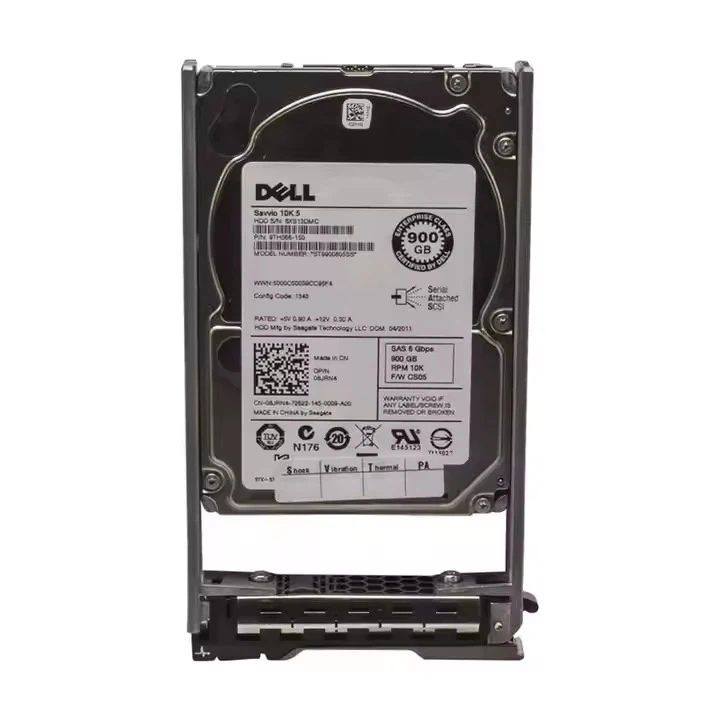
However, NTFS is proprietary to Windows, which means that it may not be directly accessible on non - Windows operating systems without additional software. For example, Linux and macOS require the installation of third - party drivers to read and write to NTFS partitions.
More information about our HDD 22TB with support for NTFS can be found on our HDD 22TB page.
exFAT (Extended File Allocation Table)
exFAT is a Microsoft - developed file system designed as a successor to the older FAT32. It is a lightweight and cross - platform compatible file system, making it an excellent choice for 22TB HDDs used across different operating systems.
exFAT supports large file sizes, with a maximum file size limit of 16 exabytes, similar to NTFS. This makes it suitable for storing large multimedia files, backup data, and other types of large - scale data. It also has no partition size limit, which is ideal for a 22TB HDD.
One of the main advantages of exFAT is its cross - platform compatibility. It can be read and written to natively on Windows, macOS, and many Linux distributions without the need for additional software. This makes it a great option for external storage devices like 22TB HDDs that need to be used on multiple systems.
However, exFAT lacks some of the advanced features of NTFS, such as file and folder permissions and journaling. This means that it may not be as secure or reliable as NTFS in certain enterprise environments.
ext4 (Fourth Extended File System)
ext4 is the most widely used file system in the Linux ecosystem. It is a robust and feature - rich file system that offers excellent performance and reliability for 22TB HDDs used with Linux - based systems.
ext4 supports large partition sizes, with the ability to handle partitions up to 1 exabyte in size. It also has a high maximum file size limit of 16 terabytes, which is sufficient for most data storage needs. Ext4 uses journaling to improve data integrity, reducing the risk of data loss in case of system failures.
In addition to journaling, ext4 offers features like online defragmentation, which helps in maintaining optimal performance over time. It also supports extended attributes, which can be used to store additional metadata about files and directories.
However, ext4 is native to Linux, which means that it may not be directly accessible on Windows and macOS systems without third - party software.
HFS+ (Hierarchical File System Plus)
HFS+ is the legacy file system used on macOS systems before the introduction of APFS. While it is being phased out, it can still be relevant for older Mac systems and 22TB HDDs used in a macOS - centric environment.
HFS+ supports large file sizes, with a maximum file size limit of 8 terabytes. It also has features like journaling to enhance data integrity. However, compared to other modern file systems, HFS+ has some limitations. For example, it has a maximum partition size limit of 2 terabytes in its traditional implementation, which is a significant drawback for a 22TB HDD.
APFS (Apple File System)
APFS is the modern file system introduced by Apple for macOS, iOS, and other Apple devices. It is designed to be more efficient, secure, and reliable than HFS+.
APFS offers features like space sharing, which allows multiple volumes to share the same physical storage space more efficiently. It also has support for snapshotting, which enables users to create point - in - time copies of their data for backup and recovery purposes. In terms of security, APFS uses encryption at the file system level to protect data.
For a 22TB HDD used with Apple devices, APFS provides a high - performance and feature - rich storage solution. However, like ext4, it is specific to Apple systems and may not be accessible on non - Apple platforms without additional software.
Considerations for Choosing a File System
When choosing a file system for a 22TB HDD, several factors need to be considered.
Operating System Compatibility: If the HDD will be used primarily with a single operating system, such as Windows, Linux, or macOS, it is advisable to choose the native file system of that operating system for optimal performance and compatibility. For example, if the 22TB HDD is for a Windows - only environment, NTFS is a good choice. If it is for a Linux server, ext4 would be more appropriate.
Data Security: For storing sensitive data, file systems with advanced security features like NTFS (with EFS) and APFS (with encryption) are preferred. These file systems can protect data from unauthorized access and ensure its confidentiality.
File and Partition Size Requirements: If you need to store extremely large files or use the entire 22TB capacity of the HDD, a file system that supports large file and partition sizes, such as NTFS, exFAT, or ext4, is necessary.
Cross - Platform Usage: If the 22TB HDD needs to be used across different operating systems, exFAT is the ideal choice due to its cross - platform compatibility.
Related Products in Our Portfolio
In addition to our HDD 22TB, we also offer other high - quality HDD products. For example, our Dell HDD 8TB and Dell HDD 10TB drives are reliable options for those with smaller storage requirements. These drives also support a range of file systems similar to the 22TB HDD, providing flexibility in choosing the most suitable file system for your needs.
Contact Us for Procurement
If you are interested in purchasing our HDD 22TB drives or any other products in our portfolio, we would be more than happy to assist you. Our team of experts can provide you with detailed information about the products, help you choose the right file system for your specific requirements, and guide you through the procurement process. Reach out to us to start a conversation about your storage needs and find the best solution for your business or personal use.
References
- Microsoft. (n.d.). NTFS Overview. Retrieved from Microsoft official documentation.
- Apple. (n.d.). APFS Overview. Retrieved from Apple official documentation.
- Linux Documentation Project. (n.d.). ext4 File System. Retrieved from Linux - related documentation sources.
- Wikipedia contributors. (n.d.). exFAT. In Wikipedia, The Free Encyclopedia. Retrieved from Wikipedia.




