

As a Dell RAM supplier, I've witnessed firsthand the critical role that Random Access Memory (RAM) plays in the performance of Dell computers. One of the key aspects that often goes unnoticed but is fundamental to the proper functioning of RAM is its refresh mechanism. In this blog, I'll delve into what the refresh mechanism of Dell RAM is, why it's necessary, and how it impacts the overall performance of Dell systems.
The Basics of RAM and the Need for Refresh
Before we dive into the refresh mechanism, let's briefly understand what RAM is. RAM is a type of computer memory that allows data to be accessed randomly, meaning that any byte of memory can be accessed without touching the preceding bytes. It is a volatile memory, which means that it loses its contents when the power is turned off. This characteristic makes it ideal for storing data that the computer needs to access quickly, such as the operating system, applications, and data that are currently being processed.
However, the data stored in RAM is not permanent. It is stored in tiny capacitors, which are electrical components that can hold a charge. Over time, these capacitors lose their charge, and the data stored in them begins to degrade. This is where the refresh mechanism comes in.
How the Refresh Mechanism Works
The refresh mechanism is a process that periodically restores the charge in the capacitors of the RAM chips. This ensures that the data stored in the RAM remains intact and can be accessed accurately. The refresh process is carried out by the memory controller, which is a component of the motherboard that manages the flow of data to and from the RAM.
The memory controller sends a refresh signal to the RAM chips at regular intervals. This signal causes the RAM chips to read the data stored in each capacitor, amplify the charge, and then write the data back to the same capacitor. This process effectively restores the charge in the capacitor and ensures that the data remains valid.
The refresh rate, which is the frequency at which the refresh signal is sent, is determined by the type of RAM. Different types of RAM have different refresh rates, which are typically measured in milliseconds (ms). For example, Dynamic Random Access Memory (DRAM), which is the most common type of RAM used in Dell computers, has a refresh rate of around 64 milliseconds. This means that the data stored in the DRAM chips needs to be refreshed every 64 milliseconds to prevent it from being lost.
Types of Refresh Mechanisms
There are two main types of refresh mechanisms used in Dell RAM: auto-refresh and extended data out (EDO) refresh.
Auto-Refresh
Auto-refresh is the most common type of refresh mechanism used in DRAM. In an auto-refresh mode, the RAM chips automatically refresh themselves at regular intervals without the need for external control. The refresh rate is determined by the internal circuitry of the RAM chips and is typically set to the minimum value required to ensure data integrity.
Auto-refresh is a simple and efficient way to ensure that the data stored in the RAM remains valid. However, it can also consume a significant amount of power, especially when the refresh rate is high. This is because the RAM chips need to constantly read and write data to maintain the charge in the capacitors.
Extended Data Out (EDO) Refresh
EDO refresh is a more advanced type of refresh mechanism that was introduced in the 1990s. It is designed to reduce the power consumption of the RAM by allowing the data to remain available on the data bus for a longer period of time. This means that the memory controller can access the data without having to wait for the RAM chips to refresh themselves, which reduces the overall refresh rate and power consumption.
EDO refresh is typically used in older Dell computers that use EDO DRAM. However, it is rarely used in modern computers, as most RAM chips now use synchronous dynamic random access memory (SDRAM) or double data rate synchronous dynamic random access memory (DDR SDRAM), which have their own built-in refresh mechanisms.
Impact of the Refresh Mechanism on Performance
The refresh mechanism of Dell RAM can have a significant impact on the performance of the computer. A high refresh rate can increase the power consumption of the RAM, which can lead to overheating and reduced battery life in laptops. It can also slow down the performance of the computer, as the memory controller needs to spend more time refreshing the data in the RAM chips.
On the other hand, a low refresh rate can increase the risk of data loss, as the data stored in the RAM chips may not be refreshed frequently enough. This can lead to errors and crashes in the computer system, which can be frustrating and time-consuming to fix.
To ensure optimal performance, it is important to choose the right type of RAM for your Dell computer. Modern Dell computers typically use DDR SDRAM, which has a lower refresh rate and higher performance than older types of RAM. DDR SDRAM also uses less power, which can help to reduce the heat generated by the computer and extend the battery life of laptops.

Our Dell RAM Products
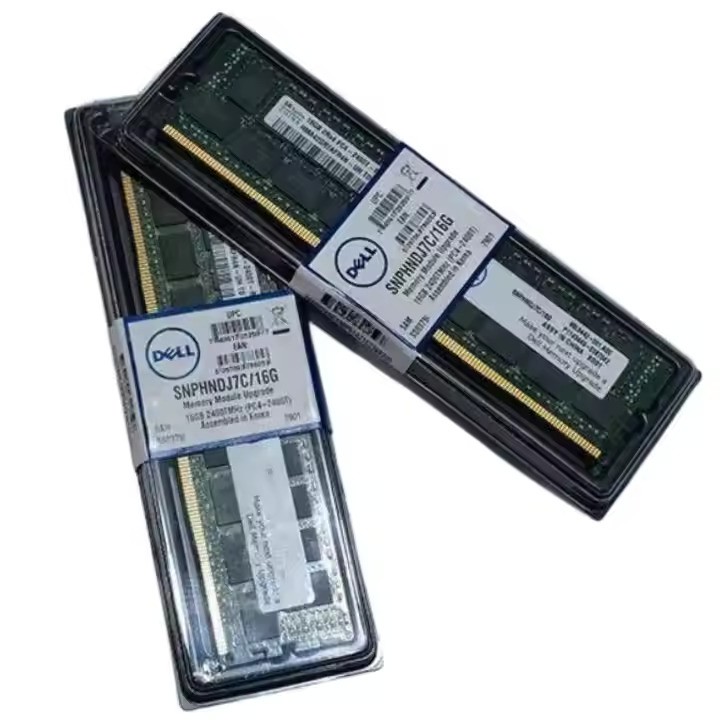
As a Dell RAM supplier, we offer a wide range of high-quality RAM products that are designed to meet the needs of different Dell computers. Our products include Dell 16G RAM, Dell 32G 8G 16G 128G RAM, and Dell 32G RAM. All of our products are tested and certified to ensure compatibility and reliability with Dell computers.
Whether you're looking to upgrade the RAM in your Dell desktop or laptop, or you need a replacement RAM module, we have the right product for you. Our team of experts is always available to provide you with technical support and advice to help you choose the right RAM product for your needs.
Contact Us for Procurement
If you're interested in purchasing Dell RAM from us, we'd love to hear from you. We offer competitive prices, fast shipping, and excellent customer service. Whether you're a business looking to upgrade your Dell computers or an individual looking to improve the performance of your personal computer, we can help.
Contact us today to discuss your procurement requirements and to get a quote for our Dell RAM products. We look forward to working with you to meet your RAM needs.
References
- A. Chandrakasan, W. Bowhill, F. Fox, "Design of High Performance Microprocessor Circuits", IEEE Press, 2001.
- J. Borkar, "Designing Gigascale Chips", IEEE Micro, 2005.
- R. Jacob, "Memory Systems: Cache, DRAM, Disk", Morgan Kaufmann, 2007.