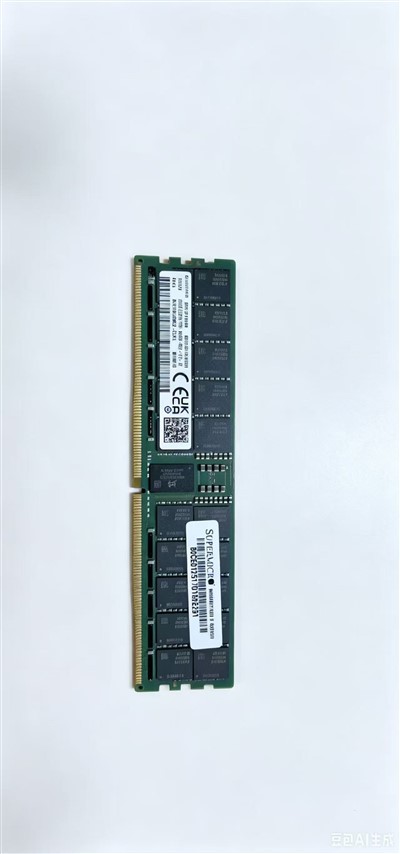
After three or more years of operation, enterprise servers often suffer from slow performance and task timeouts due to growing business data and increasing user traffic. Memory expansion is the most cost-effective optimization solution, yet improper operations may cause performance failures and even system faults. Here are three critical guidelines for safe and effective upgrades.
First, confirm the motherboard's hardware limits. Check the supported memory generation (DDR4/DDR5), maximum frequency, single-slot capacity and total memory ceiling before procurement. Old servers only support DDR4, while entry-level models may cap at 16GB per slot. Mismatched high-capacity modules will not be fully recognized. Mixed-frequency memory will automatically run at the lowest frequency, so identical-frequency modules are recommended for stable performance.
Third, optimize server room heat dissipation. More memory modules bring higher heat generation. Ensure cabinet fans and air ducts work smoothly, and install extra cooling devices for high-density memory configurations. Overheating accelerates chip aging, shortens hardware lifespan and triggers unexpected server shutdowns.