


In the realm of data storage, the question of whether a 16TB HDD can serve as a boot drive is one that often arises among tech enthusiasts, businesses, and casual computer users alike. As a supplier of 16TB HDDs, I'm well - positioned to explore this topic in depth and provide you with a comprehensive answer.
Understanding the Basics of a Boot Drive
Before delving into the viability of a 16TB HDD as a boot drive, it's important to understand what a boot drive is. A boot drive, also known as a system drive, is the storage device that contains the operating system (OS) and all the necessary files required to start up a computer. When you power on your computer, the BIOS or UEFI firmware looks for the boot drive and loads the OS from it.
Factors to Consider
Compatibility
One of the primary concerns when using a 16TB HDD as a boot drive is compatibility. Most modern motherboards support large - capacity hard drives, but there are some caveats. First, you need to ensure that your motherboard's BIOS or UEFI firmware is up - to - date. Older BIOS versions may have limitations on the maximum drive size they can recognize. Updating the BIOS can often resolve these issues and allow your system to detect and utilize the full capacity of a 16TB HDD.
Partitioning and Formatting
Another important aspect is partitioning and formatting. To use a 16TB HDD as a boot drive, you'll need to partition it correctly. For large drives, the GUID Partition Table (GPT) is recommended over the Master Boot Record (MBR) partitioning scheme. MBR has a maximum drive size limit of 2TB, so it's not suitable for a 16TB HDD. GPT, on the other hand, can support drives up to 9.4ZB (zettabytes), making it the ideal choice for large - capacity drives.
When formatting the drive, you can choose a file system such as NTFS (for Windows) or ext4 (for Linux). NTFS is the standard file system for Windows operating systems and offers features like file compression, encryption, and access control. Ext4 is a popular choice for Linux distributions and provides high performance and reliability.
Performance
Performance is a crucial factor when considering a 16TB HDD as a boot drive. Hard disk drives (HDDs) are based on spinning platters and mechanical read - write heads, which makes them slower compared to solid - state drives (SSDs). The boot time of a computer using an HDD as a boot drive will generally be longer than one using an SSD. The seek time, which is the time it takes for the read - write head to move to the correct location on the platter, can be a significant bottleneck.
However, advancements in HDD technology have led to improved performance. Some 16TB HDDs come with features like high - speed cache memory, which can help reduce the boot time to some extent. Additionally, if you're not in a hurry to boot your system and need a large amount of storage space, a 16TB HDD can still be a viable option.
Data Safety
Data safety is another important consideration. HDDs are more prone to mechanical failures compared to SSDs. The spinning platters and moving parts can be damaged by physical shocks, vibrations, or wear and tear over time. To mitigate these risks, it's recommended to use a reliable backup solution. You can also consider using a redundant array of independent disks (RAID) configuration, which can provide data redundancy and protection against drive failures.
Advantages of Using a 16TB HDD as a Boot Drive
Massive Storage Capacity
The most obvious advantage of using a 16TB HDD as a boot drive is the massive storage capacity. You can store your operating system, all your applications, and a vast amount of personal data on a single drive. This can be particularly useful for users who work with large files, such as video editors, photographers, and data analysts.
Cost - Effectiveness
HDDs are generally more cost - effective than SSDs when it comes to large - capacity storage. If you need a large amount of storage space and are on a budget, a 16TB HDD can be a more affordable option compared to a high - capacity SSD.
Disadvantages of Using a 16TB HDD as a Boot Drive
Slow Performance
As mentioned earlier, the performance of an HDD is slower compared to an SSD. This can result in longer boot times, slower application launches, and overall reduced system responsiveness. If you're used to the fast performance of an SSD, you may find the performance of an HDD frustrating.
Higher Failure Risk
HDDs have a higher risk of mechanical failure compared to SSDs. The spinning platters and moving parts are more susceptible to damage, which can lead to data loss. If your operating system and important data are stored on a single 16TB HDD, a drive failure can be catastrophic.
Alternatives and Complementary Solutions
If you're concerned about the performance of a 16TB HDD as a boot drive, you can consider using a hybrid approach. You can use a small - capacity SSD as the boot drive to ensure fast boot times and system responsiveness. Then, connect the 16TB HDD as a secondary storage device to store your large files and data.
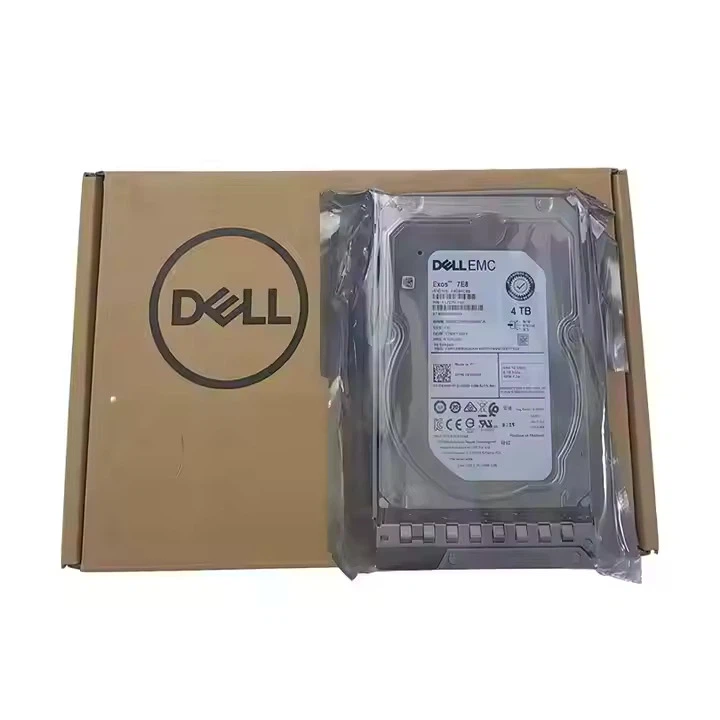
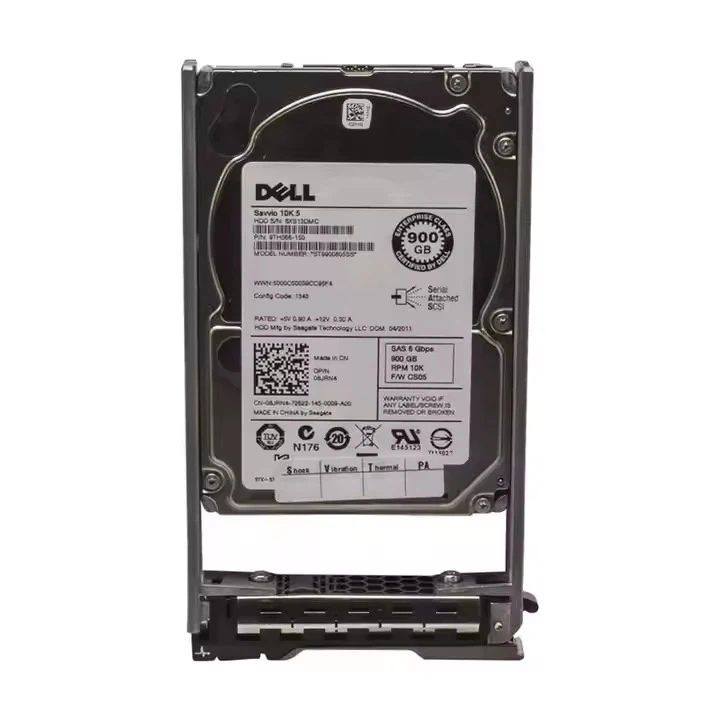
Alternatively, if you need even more storage capacity, you can explore other options such as the HDD 22TB. This larger - capacity drive can provide even more space for your data storage needs. For those who prefer a more brand - specific option, the Dell HDD 10TB and Dell HDD 8TB are also reliable choices.
Conclusion
In conclusion, a 16TB HDD can be used as a boot drive, but it comes with its own set of advantages and disadvantages. Compatibility, partitioning, formatting, performance, and data safety are all important factors to consider. If you need a large amount of storage space and are not overly concerned about fast boot times, a 16TB HDD can be a suitable option. However, if performance is your top priority, a hybrid solution with an SSD as the boot drive and a 16TB HDD as secondary storage may be a better choice.
If you're interested in purchasing a 16TB HDD or exploring other storage solutions, I encourage you to reach out to me for a detailed discussion. We can discuss your specific needs and find the best storage option for you.
References
- "Storage Basics: Understanding Boot Drives", Techopedia
- "Partitioning and Formatting Large Hard Drives", Microsoft Support
- "HDD vs. SSD: Performance Comparison", PCMag




