Hey there! As a supplier of HDD 22TB, I often get asked about how to check the remaining lifespan of these big - capacity hard drives. It's a crucial question, especially when you're dealing with so much data storage. So, let's dive right in and explore the ways to figure out how much life is left in your HDD 22TB.
First off, let's understand what affects the lifespan of an HDD 22TB. These drives are mechanical devices, which means they have moving parts. The read - write heads move over the spinning platters to access and store data. Over time, the constant movement, along with factors like heat, vibration, and power fluctuations, can wear down these components.
One of the most common ways to check the remaining lifespan of an HDD 22TB is by using SMART (Self - Monitoring, Analysis, and Reporting Technology). Most modern hard drives, including our HDD 22TB, come equipped with SMART. It's like a built - in health monitor for your drive.
To access SMART data, you can use various software tools. For Windows users, CrystalDiskInfo is a great option. It's free and easy to use. Just download and install it, and then open the program. It will scan your HDD 22TB and display a whole bunch of information, including SMART attributes.
SMART attributes are numerical values that represent different aspects of the drive's health. Some of the key attributes to look out for are Reallocated Sector Count, Current Pending Sector Count, and Uncorrectable Sector Count. A high value in these attributes could indicate potential problems and a shorter remaining lifespan.
For example, if the Reallocated Sector Count starts to increase, it means that the drive has had to move data from bad sectors to good ones. This is a sign that the drive is starting to wear out. If the Current Pending Sector Count is high, it means there are sectors that are currently at risk of failing.
Mac users can use Drive Genus. It works in a similar way to CrystalDiskInfo. It will show you the SMART status of your HDD 22TB and give you an idea of how healthy it is.

Another way to check the remaining lifespan is by looking at the drive's usage hours. Most HDDs have a limited number of hours they can operate before they start to fail. You can find the usage hours in the SMART data or in the drive's firmware information.
If you've been using your HDD 22TB constantly for a long time, say several years, it's likely that it's getting closer to the end of its lifespan. However, this isn't always a definitive indicator, as some drives can last longer than expected, while others might fail earlier.
Temperature also plays a big role in the lifespan of an HDD 22TB. High temperatures can cause the components to expand and contract, which can lead to mechanical failures. You can use software like HWMonitor to check the temperature of your drive. If the temperature is consistently above 50 degrees Celsius, it's a cause for concern.
Vibration is another factor. If your HDD 22TB is in a noisy environment or is constantly being jostled, it can cause the read - write heads to hit the platters, leading to data loss and a shorter lifespan. Make sure to keep your drive in a stable and quiet place.
Now, let's talk about some preventive measures you can take to extend the lifespan of your HDD 22TB. First, keep your drive cool. You can use external cooling fans or make sure that your computer case has good ventilation.
Second, avoid sudden power outages. A power surge or a sudden shutdown can damage the drive. Use a UPS (Uninterruptible Power Supply) to protect your HDD 22TB from power fluctuations.
Third, don't fill your drive to the brim. Leaving some free space on the drive can help it operate more efficiently and reduce the stress on the components.
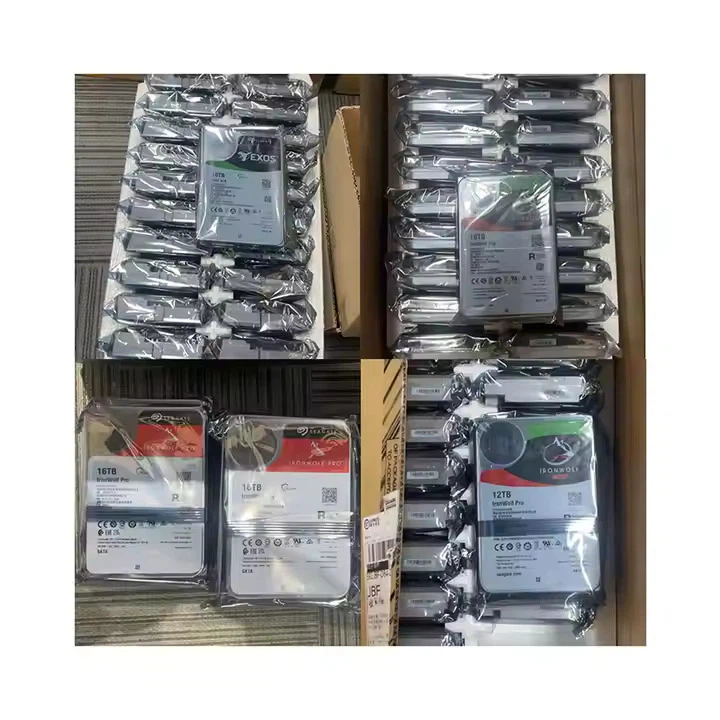
If you're in the market for a new HDD, we also offer 16TB HDD and Dell HDD 8TB. These are also high - quality drives with great performance.
In conclusion, checking the remaining lifespan of an HDD 22TB is essential for data safety and planning. By using SMART data, monitoring usage hours, and keeping an eye on temperature and vibration, you can get a good idea of how much life is left in your drive.
If you're interested in purchasing our HDD 22TB or have any questions about drive lifespan or other storage solutions, feel free to reach out. We're here to help you make the best decision for your data storage needs.
References
- CrystalDiskInfo official documentation
- Drive Genus official documentation
- General knowledge about hard drive technology and SMART attributes