
Hey there! I'm a supplier of Cisco switches, and today I wanna talk about the root-guard function on a Cisco switch. It's a pretty cool feature that can really help keep your network running smoothly.
First off, let's understand a bit about the Spanning Tree Protocol (STP). STP is like the traffic cop of your network, making sure there are no loops. Loops in a network can cause all sorts of problems, like broadcast storms that can slow down or even crash your network. STP calculates the best path for data to travel and blocks redundant paths to prevent these loops.
Now, the root bridge is the heart of the STP. It's the switch that all other switches in the network look to as the central point for making decisions about which ports should be forwarding traffic and which should be blocking it. The root bridge is determined based on the Bridge ID, which is a combination of a priority value and the MAC address of the switch.
So, what's the deal with root-guard? Well, root-guard is a feature that you can enable on specific ports of a Cisco switch. Its main job is to prevent a switch connected to that port from becoming the root bridge.
Let me give you an example. Say you have a well-configured network with a designated root bridge. But then, someone accidentally connects a new switch to one of your existing switches. If that new switch has a lower Bridge ID (maybe it has a lower priority value set), it could try to become the new root bridge. This can mess up your whole network topology and cause traffic disruptions.
That's where root-guard comes in. When you enable root-guard on a port, if that port receives a BPDU (Bridge Protocol Data Unit) that indicates a switch with a lower Bridge ID is trying to become the root bridge, the port will go into a root-inconsistent state. In this state, the port stops forwarding traffic and essentially shuts down until the threat of a new root bridge is removed.
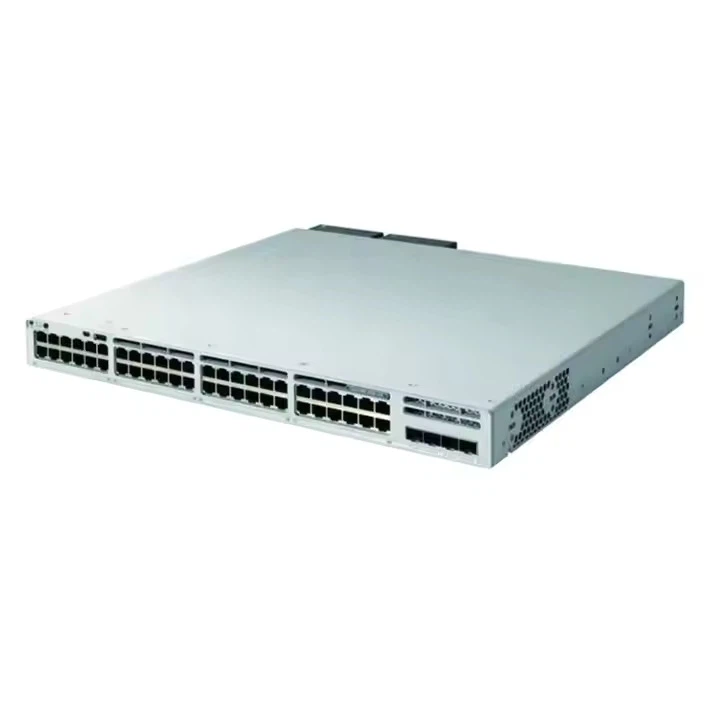
For instance, let's say you have a Switch Cisco Catalyst 9300 in your network. You can enable root-guard on some of its ports to protect your existing root bridge. This way, even if a rogue switch tries to take over, your network stays stable.
The benefits of using root-guard are pretty significant. Firstly, it enhances network stability. By preventing unauthorized switches from becoming the root bridge, you avoid sudden changes in the network topology that could lead to traffic congestion or outages.
Secondly, it simplifies network management. You don't have to worry about constantly monitoring for potential root bridge changes. Once you've set up root-guard on the appropriate ports, it works silently in the background to keep your network in check.

Now, let's talk about how to enable root-guard on a Cisco switch. It's actually quite straightforward. You just need to enter the interface configuration mode for the port where you want to enable root-guard and use the "spanning-tree guard root" command.
Here's a quick example. Let's say you want to enable root-guard on interface GigabitEthernet 0/1 of a Switch Cisco C1000 24t 4g L. You'd first enter the global configuration mode by typing "configure terminal". Then, you'd enter the interface configuration mode for GigabitEthernet 0/1 with the command "interface GigabitEthernet 0/1". Finally, you'd type "spanning-tree guard root" to enable root-guard on that port.
It's also important to note that you can use root-guard in combination with other STP features. For example, you can use it along with BPDU guard. BPDU guard is another useful feature that can protect your network from unauthorized switches. When BPDU guard is enabled on a port and it receives a BPDU, the port goes into an err-disabled state. By using root-guard and BPDU guard together, you can create a more robust defense against network threats.
Let's look at a real-world scenario. Imagine you're managing a large enterprise network with multiple switches, including Switch Cisco C2960 devices. You've carefully configured your network to have a specific root bridge. But there's always a risk of someone accidentally plugging in a new switch or a misconfigured device. By enabling root-guard on the ports where these external connections are possible, you can rest assured that your network will remain stable.
In summary, root-guard is a powerful tool in your network management arsenal. It helps you maintain the integrity of your STP topology by preventing unauthorized switches from becoming the root bridge. Whether you're dealing with a small home network or a large enterprise setup, root-guard can provide an extra layer of protection and peace of mind.
If you're interested in learning more about Cisco switches and how root-guard can benefit your network, or if you're looking to purchase high-quality Cisco switches for your business, don't hesitate to reach out. We're here to help you find the best solutions for your network needs.
References
- Cisco Systems Inc. Cisco IOS Switching Command Reference.
- Andrew S. Tanenbaum. Computer Networks.